Title Slide Template

Title slide template styles




What is a title slide, and when should you use one?
A title slide sets the tone for your entire presentation. Since it's often displayed before you begin, it should effectively represent you, your topic, and your company. A well-designed title slide helps create the right impression from the start.
The Beautiful.ai title slide template ensures your company is presented professionally, featuring clean, simple graphics and customizable design to fit your needs. Your title slide sets the stage for the rest of your presentation.
Title slides are used in various contexts, including:
• The introduction to any presentation
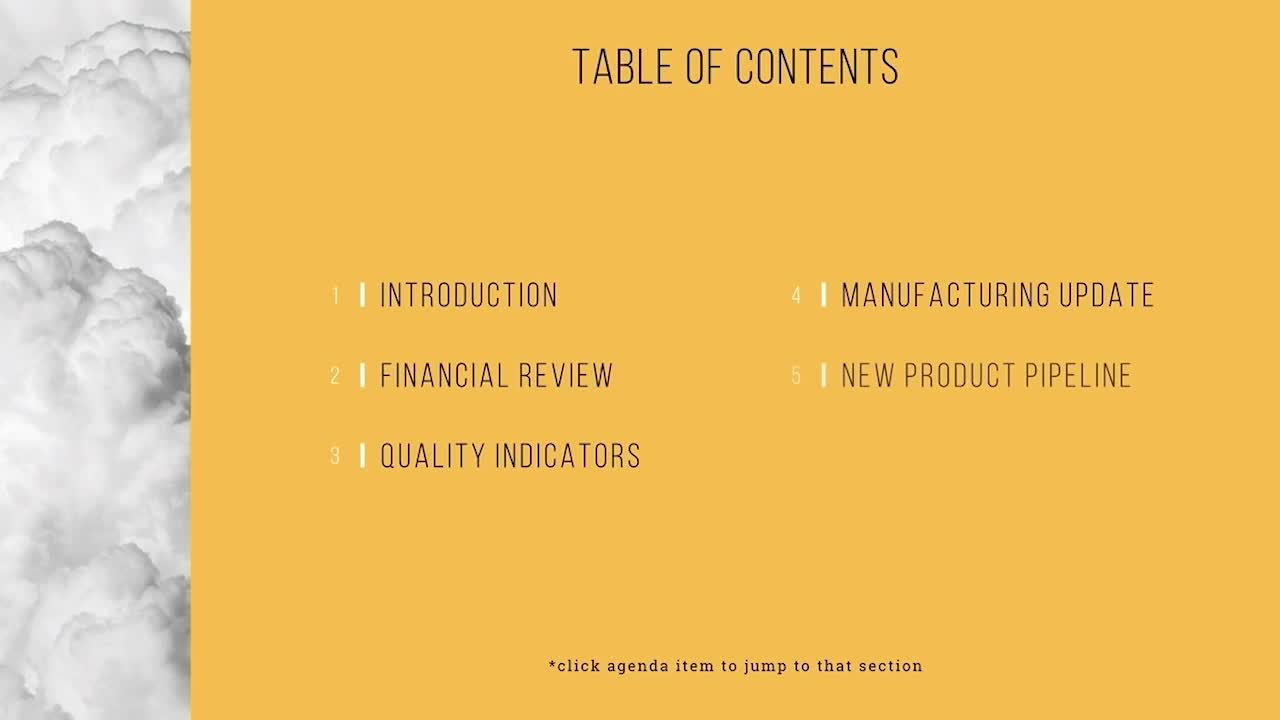
• A break between sections
• The final slide of a presentation

How to use the title slide template
Open the template.
Click Use this template and the template opens in the Beautiful.ai editor.
Add your data.
Type your title, subtitle, and logo in, upload a document or data file, or describe it and let AI fill the template.
Make it yours.
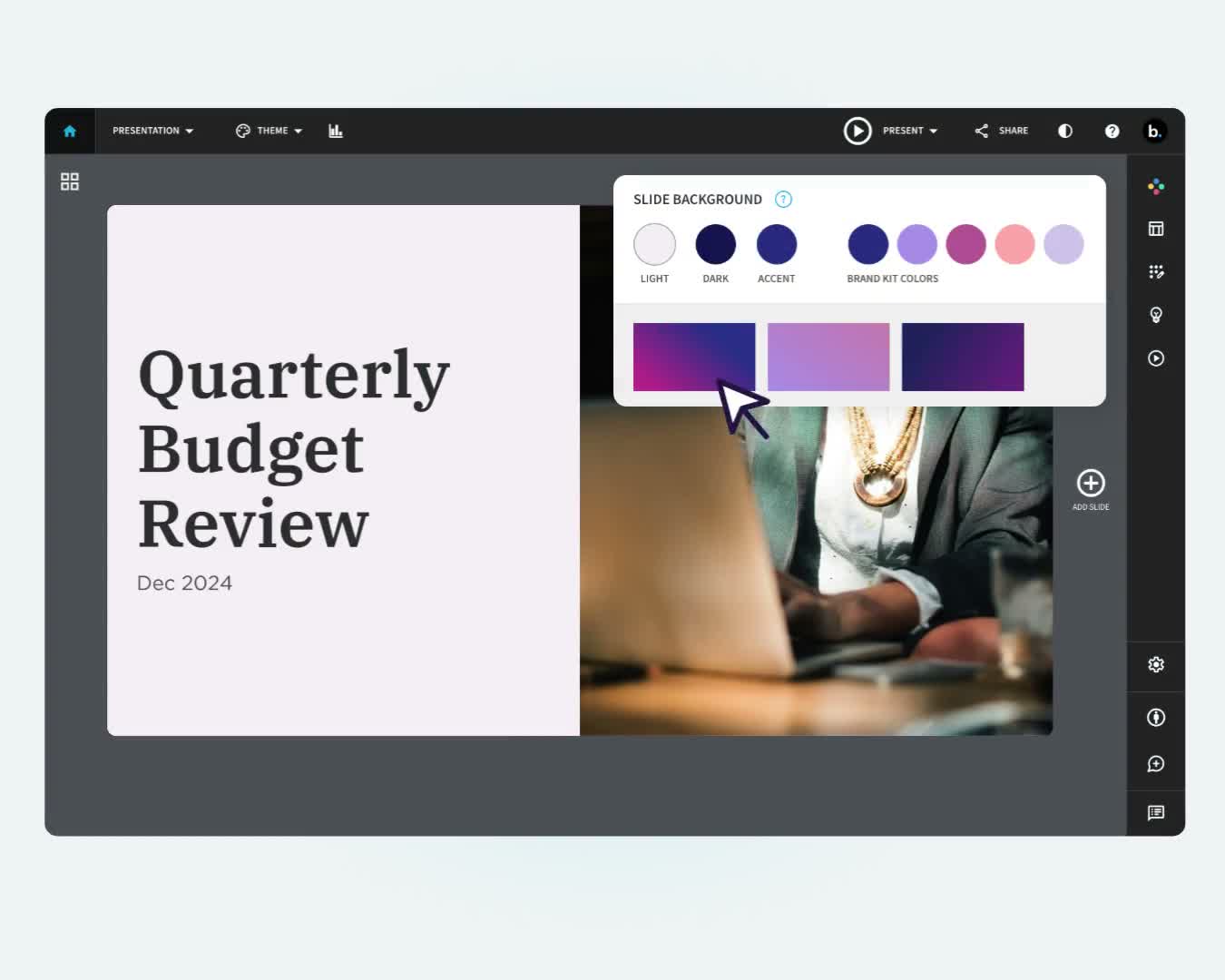
Adjust colors and labels to match your presentation; Smart Slides keep the layout aligned as you edit.
Present or export.
Share a live link, present in Beautiful.ai, or export to PowerPoint, Google Slides, or PDF.
Ideas for a Title Slide
Here are some design ideas to get you started:


The colors in your title slide should match your logo colors. People associate color with brands.
Your logo should not take precedence over the theme/title of the presentation. Size it to be visible but not the most prominent item on the title slide.
Don’t overload the title slide with too much text or with too many graphics. Keep a balance between the elements so that there’s no competition for attention.
Discover AI capabilities for title slides
With these AI-driven features, you can build and refine your title slide in seconds.
Generate an AI title slide with a prompt
Add context with AI
Refine copy on a title slide
Create a supporting image


Title slide template FAQ
Lorem ipsum dolor sit amet, consectetur adipiscing elit, sed do eiusmod tempor incididunt ut labore et dolore magna aliqua. Ut enim ad minim veniam, quis nostrud exercitation ullamco laboris nisi ut aliquip ex ea commodo consequat. Duis aute irure dolor in reprehenderit in voluptate velit esse cillum dolore eu fugiat nulla pariatur.
More structural templates
AI-powered Smart Slides that do the design for you
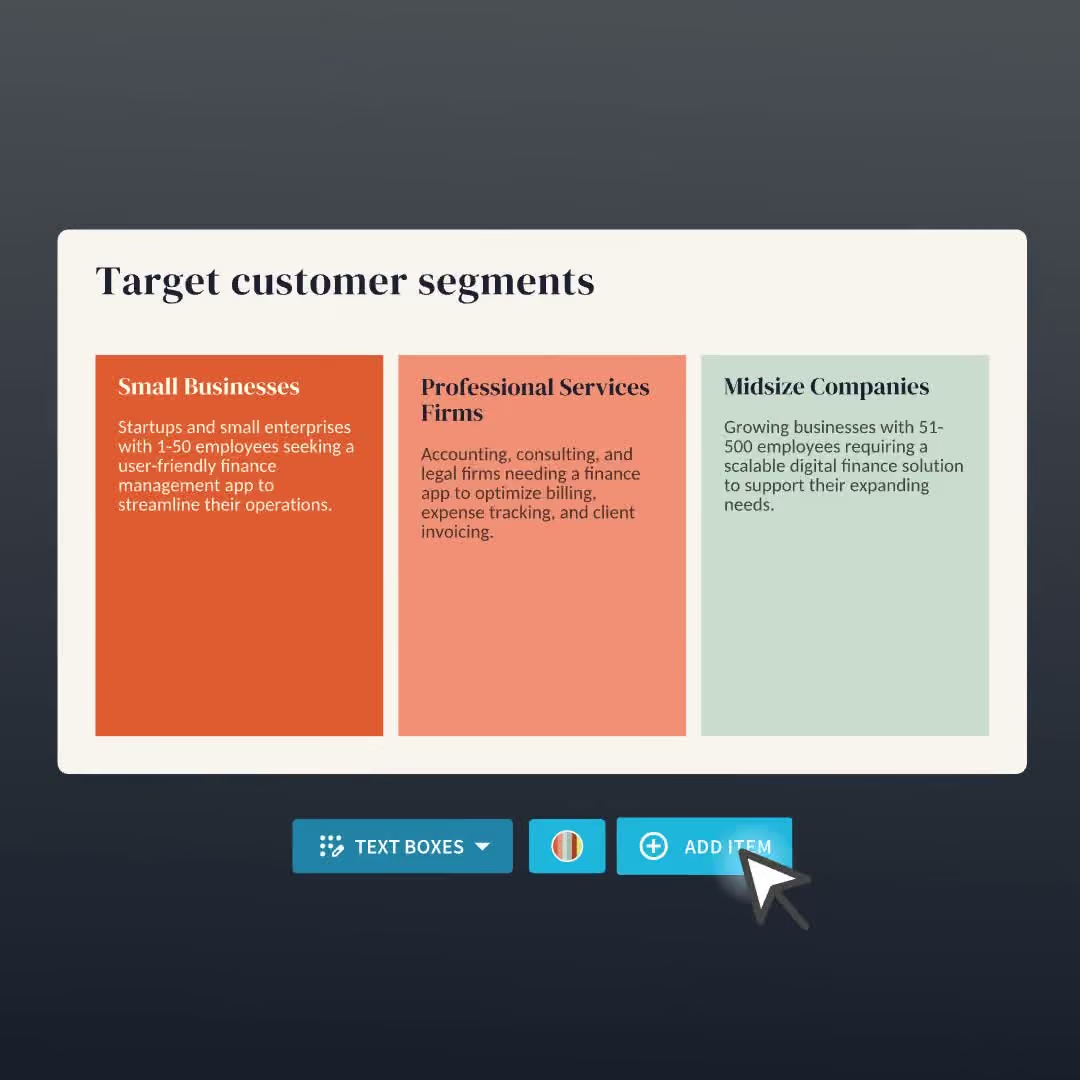
Build your next presentation using Smart Slides—the intelligent building blocks behind every Beautiful.ai presentation. Each Smart Slide is customizable, editable with AI, and automatically adapts layout and spacing as your content changes.


“Beautiful.ai helps us quickly create clear and compelling presentations to share our strategy and results. It has been easy to integrate our branding and to pull from the library of materials created by others — building a cohesive and collaborative suite that helps us advance our mission."

"Beautiful.ai increased our efficiency. I mean, 50% sounds crazy, but it's pretty accurate when you consider all of the manual stuff that we used to have to do that Beautiful.ai now does for us."

"What you guys have created is a foolproof way to ensure quality presentations. It's almost just like they have a graphic designer over their shoulder while they're creating their decks."

“For any business owner or entrepreneur where time is of the essence you lose the ability to put those nice touches on presentations, Beautiful.ai does it for you, especially if you aren't creatively gifted!”
Ready-to-use presentation templates for creating full, polished decks.



Pitch Decks



Reports & Reviews



Plans & Strategies

Try it free for 14 days
Start building Beautiful presentations.

