


Beautiful.ai vs. Pitch: which is better for your team? [Updated 2026]
.avif)

Beautiful.ai vs. Pitch: which is better for your team? [Updated 2026]
Choosing the right presentation software can feel like a chore, but it really boils down to what your team needs to accomplish and how you work. Both Beautiful.ai and Pitch are designed to take the pain out of making slides, helping you create polished presentations much faster than with traditional presentation tools. But here’s the catch: they’re built for very different kinds of work. This Beautiful.ai vs Pitch comparison will explore that difference.
Beautiful.ai is an all-around, AI-powered presentation maker that helps teams create consistently great-looking slide decks for all sorts of business needs. Think of it as a system that streamlines your entire presentation workflow. On the other hand, Pitch is a more specialized tool, laser-focused on helping a startup create winning pitch decks for investors. Its functions are tailored for that specific, high-stakes moment.
This guide will break down how Beautiful.ai vs Pitch stack up on the things that matter: ease of use, templates, automation, team features, pricing, and more. By the end, you’ll know which of these presentation tools is the right fit for your team in 2026.
Tool overviews
What is Beautiful.ai?
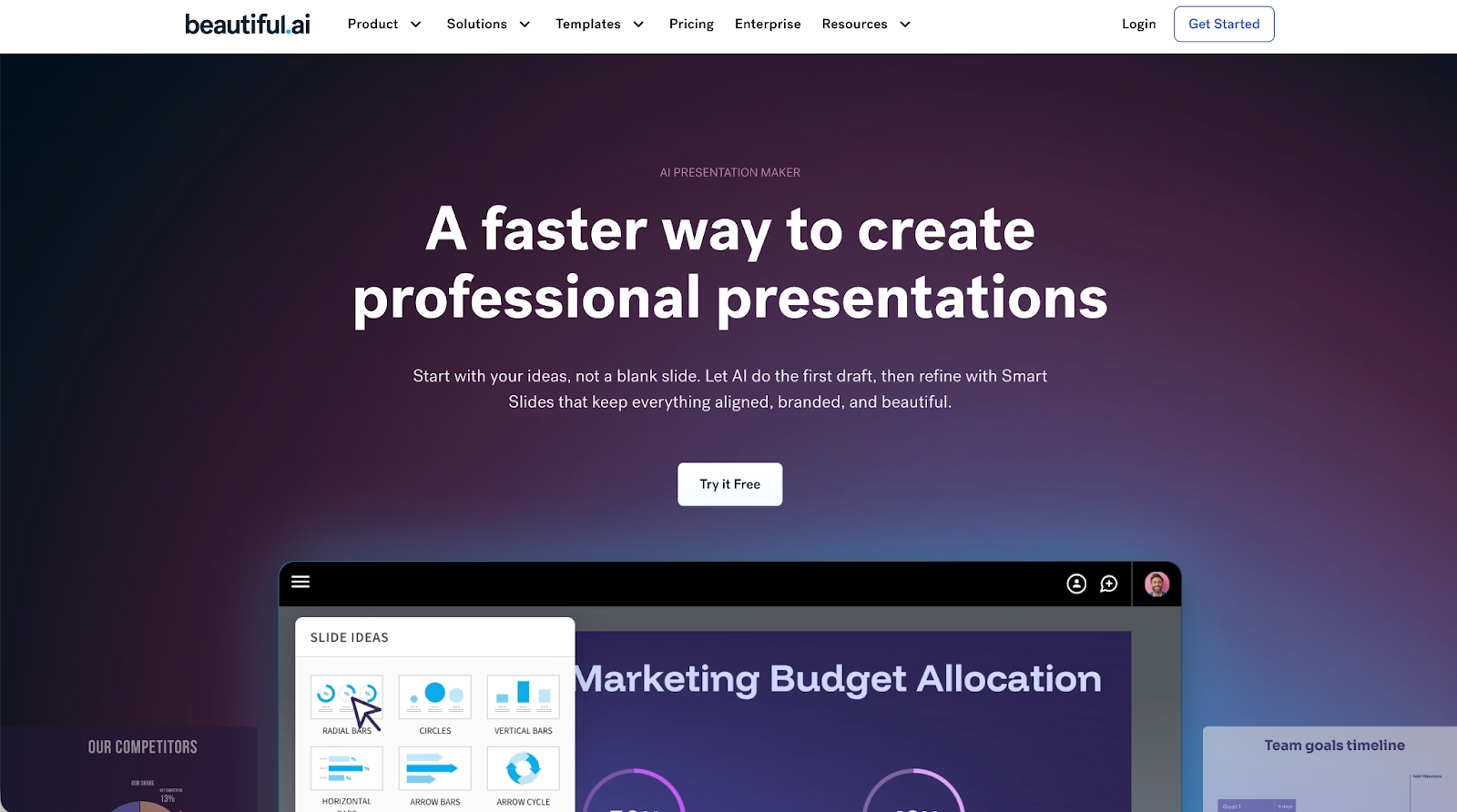
Beautiful.ai is an AI-powered presentation software that helps anyone on your team create professional slide decks without needing to be a designer. The big idea behind it is that the software handles the formatting for you. As you add your ideas, its Smart Slides technology automatically adjusts the slide layouts to keep everything looking sharp. Beautiful.ai offers a way for teams to work faster and maintain brand consistency across all their materials, from sales proposals to internal reports, all from one shared workspace.
What is Pitch?
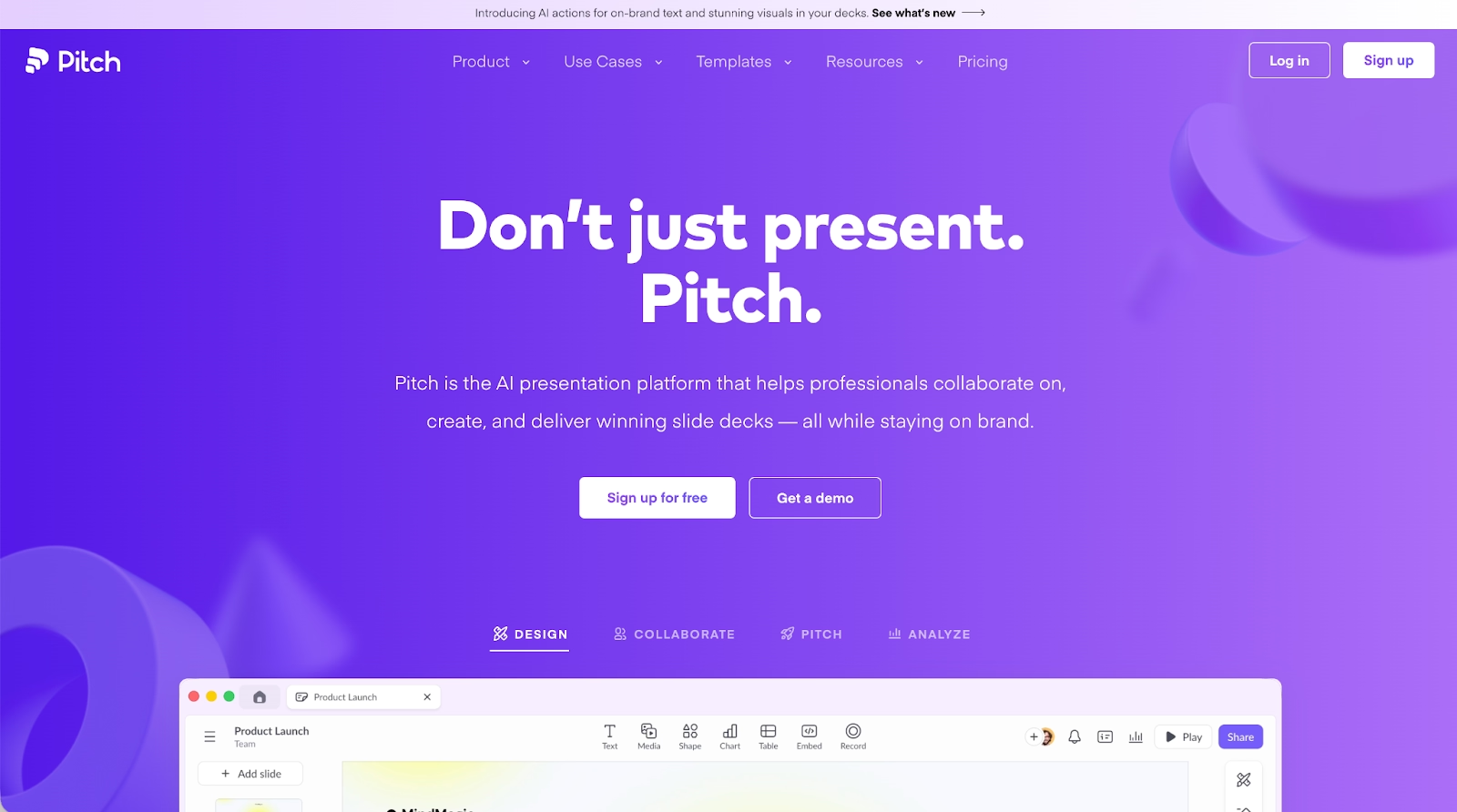
Pitch is a presentation maker built with the startup founder in mind. Its main job is to help you build the perfect deck to get funded. The platform guides you through a structured process, using templates that follow the proven formula for successful pitch decks. Pitch is also a web-based AI presentation platform, but its focus is less on general business use and more on nailing that one critical presentation. It has great collaboration tools for founders working with their initial team to get the story just right before sending it off to VCs.
Key comparison criteria
When people look at Beautiful.ai and Pitch, they’re really choosing between two different ways of thinking about presentations. Beautiful.ai offers a system based on AI-driven automation and scalable brand controls for teams. Pitch is all about providing a focused, structured path for creating effective pitch decks. Here’s a look at how they compare on the features that matter most.
Usability & learning curve
Beautiful.ai is all about ease of use. It gets rid of the frustrating parts of slide design by handling the formatting and layout decisions for you in real-time. Because the Smart Slides adapt as you type, you don’t need any design background to create polished presentations. This makes it incredibly easy for anyone, whether they're coming from PowerPoint, Google Slides, or Canva, to get started right away without a steep learning curve. Most people can produce a great first draft in minutes.
Pitch has a straightforward interface but requires you to work within its specific structure. This is great for a startup founder who already knows the investor pitch formula, but it can feel a bit rigid if you’re trying to do something else. The learning curve isn’t steep, but it involves getting used to its specific workflow rather than the free-for-all you might be used to in Microsoft PowerPoint or even other modern presentation tools like Tome.
Templates & asset library
Beautiful.ai provides a rich template library filled with Smart Templates that are designed for business use cases. These aren't just static designs; they are intelligent slide templates that automatically adapt. When you pick one of the slide layouts, you can be confident that the fonts, spacing, and visual hierarchy will remain consistent, which is a huge win for brand consistency. The asset library is packed with icons, high-quality images, and data visualization tools, so you don't have to jump to other apps to find what you need. The ease of use of the template library is a major plus.
Pitch offers a smaller, more focused set of templates geared specifically toward pitch decks. These slide templates are structured to tell a compelling story for a startup, covering all the essential slides like 'Problem,' 'Solution,' and 'Traction.' The goal of these smart templates isn't to offer endless creative options but to guide founders through a proven narrative structure. It keeps things simple so you can focus on the content of your pitch decks.
AI & automation features
This is where the Beautiful.ai vs Pitch battle gets interesting. Beautiful.ai embeds its AI features directly into the slide-building experience. The AI-powered automation handles the heavy lifting of design, layout, spacing, animations, and even subtle transitions in real-time. As you work, the AI tools ensure every slide looks perfect. This automation allows your team to focus on the message, not the manual formatting. The platform also includes image generation, so you can create custom visuals on the fly. These AI features truly streamline the creation of polished presentations.
Pitch uses its AI tools more as a co-pilot. It separates content from design, using automation to arrange your information within its structured formats. The AI presentation capabilities are great for generating a first draft or refining your text. For instance, its AI-generated text suggestions can help you polish your copy. It’s less about a complete, AI-generated deck from a single prompt, like you might see with Tome, and more about using AI features to enhance a human-led narrative.
Customization & design control
Beautiful.ai handles customization through its system of brand controls. You can set up your brand kit with specific colors, fonts, and logos, and the software applies these brand guidelines consistently across all slide decks. The design adapts as you add content, which means you get a custom look without the manual effort. This is a key part of how Beautiful.ai offers scalable brand consistency.
Pitch’s customization is also tied to its structured formats. You can adjust visual styles, but the core slide layouts are designed to keep pitch decks looking clean and professional, following standard investor expectations. The focus is on maintaining a consistent look for the entire deck rather than giving you pixel-perfect control over each slide. This is one of the core functions of the platform.
Collaboration, integrations & team workflows
Beautiful.ai is built for team collaboration. It offers a shared workspace with real-time collaboration, allowing multiple people to edit slide decks at once. The collaboration tools are top-notch. Plus, its integrations with tools like Slack help teams coordinate their workflow seamlessly. You can even connect it to your CRM to pull in data. These integrations make it a powerful hub for all your presentation needs.
Pitch also has strong team collaboration features, including real-time collaboration and commenting. It even allows you to have video calls right inside the presentation editor. Its workflow is designed for the intense back-and-forth of preparing pitch decks. While it has some integrations, like with a CRM, its ecosystem isn't as broad as what Beautiful.ai offers.
Export, formats & platform support
Beautiful.ai is a web-based tool, but it knows that sometimes you need a file. You can export your slide decks to PPTX or PDF, making it easy to share with people who are still using Microsoft PowerPoint. You can also embed presentations on a website. The platform supports multimedia content, including videos and audio, with smooth animations and transitions.
Pitch is also web-based and lets you export your work. You can download your deck as a PPTX or PDF, which is essential when an investor asks for a file. Like Beautiful.ai, it supports multimedia content, allowing you to embed videos to make your pitch more dynamic. The platform is designed to make sharing your pitch decks simple, whether as a link or a file.
Pricing
When it comes to pricing, the two platforms have different models. Pitch has a free plan, which is a big draw for a new startup on a tight budget. The free plan is quite generous and allows for team collaboration. Beautiful.ai doesn’t have a free plan, but it offers a 14-day free trial so you can test out all its features. The pricing for paid plans on both platforms is competitive, but the choice often comes down to whether you need a free plan to get started.
Ideal use cases
So, when should you choose one over the other? The answer depends less on design preference and more on how your team works. Here’s a closer look at the scenarios where each tool truly shines:
When Beautiful.ai is the best fit:
- Your team creates polished presentations regularly for sales, marketing, and internal meetings.
- You need to maintain strict brand consistency with a centralized brand kit and brand controls.
- You want powerful AI tools and automation to speed up your workflow.
- Real-time collaboration and integrations with tools like your CRM and Slack are important.
When Pitch is the best fit:
- You’re a startup founder focused on creating the perfect pitch decks for fundraising.
- You need a tool with a free plan to get started.
- You prefer a structured, guided process for building your presentation.
- You need to track engagement on the pitch decks you send to investors.
Limitations & trade-offs
Every presentation software has its trade-offs. Beautiful.ai’s strength is its automation and brand guidelines, but that means you give up some manual control. If you’re used to the complete freedom of PowerPoint or Canva, it might take some getting used to. The software’s functions are designed to prevent you from making bad design choices, which is great for most people but can feel limiting for professional designers.
Pitch is fantastic for pitch decks, but it’s not as versatile for other types of business presentations. If you need to create a detailed report from Excel data or put together training materials from Google Docs, you might find its structure a bit confining. It’s a specialized tool, and that specialization is both its strength and its weakness. You can't easily share your slides on social media either.
Summary & recommendation
Choosing between Beautiful.ai and Pitch depends on how presentations fit into your team’s workflow. Both tools aim to remove the friction of slide creation, but they are designed for different types of work.
Beautiful.ai is an all-purpose presentation software built for speed, consistency, and scale. Its AI-powered slide system automatically manages layout, spacing, and visual hierarchy as content is added, helping teams create polished presentations efficiently. For organizations that produce presentations regularly, across sales, marketing, leadership, and internal communication, Beautiful.ai provides a streamlined workflow that supports brand consistency and collaboration.
Pitch is a specialized presentation tool built primarily for startup fundraising. Its structured templates and workflows are designed to help founders craft investor-ready pitch decks by following proven storytelling patterns. Pitch works best when presentations serve a single, high-stakes purpose and when teams want a guided process focused on fundraising outcomes rather than ongoing business use.

Choose Beautiful.ai if you want:
- A scalable presentation system for regular business use.
- AI-powered automation that handles layout and formatting.
- Smart templates that maintain brand consistency across teams.
- Strong collaboration features and integrations for ongoing workflows.
- A presentation-first tool that supports many business use cases.

Choose Pitch if you want:
- A presentation tool focused specifically on startup pitch decks.
- A structured, guided workflow aligned with investor expectations.
- Built-in collaboration is designed for fundraising preparation.
- Engagement tracking for decks shared with investors.
- A free plan to get started before upgrading.
Final recommendation
If your team needs a powerful, versatile, and scalable presentation software, Beautiful.ai is the clear winner. It’s the right choice for organizations that create presentations as part of their daily workflow and need to ensure brand consistency at scale. Its AI-powered automation, smart templates, and robust collaboration tools provide more long-term value for a growing business.
Pitch is an excellent tool for its specific niche. If you’re a startup founder about to go fundraising, it’s one of the best tools out there for creating compelling pitch decks. But for a tool that can handle all your presentation needs, from docs to data, Beautiful.ai offers a more complete and flexible solution. It streamlines the entire process, helping you create polished presentations every time.
Why customers are switching to Beautiful.ai
Beautiful.ai is an AI-powered presentation platform that helps teams create polished, on-brand slides in a fraction of the time, without design skills or manual formatting.
- Design automation built in. Whether you're building pitch decks, reports, or internal presentations, Beautiful.ai’s Smart Slides automatically format content so you never worry about spacing, alignment, or layout again. Add your content, and the design adjusts instantly.
- ️No design experience required. Create professional decks without touching text boxes or manually arranging elements. Choose from Smart Templates and let the AI handle layout decisions, visual hierarchy, and consistency across the entire deck.
- Branding? Already handled. Keep every slide on-brand with your fonts, colors, and logos applied automatically. Beautiful.ai ensures every team member creates presentations that look like they came from a dedicated design team—without extra work.
- Real-time collaboration & team controls. Collaborate directly on the same deck, leave comments, manage permissions, and maintain consistency across team presentations. Perfect for growing teams and cross-functional workflows.
- Faster workflows, fewer revisions. Jump from rough outline to polished presentation in minutes, not hours. Beautiful.ai reduces back-and-forth edits by enforcing on-brand design rules and helping you iterate faster with AI-assisted slide creation.
