Academic Research Presentation Template
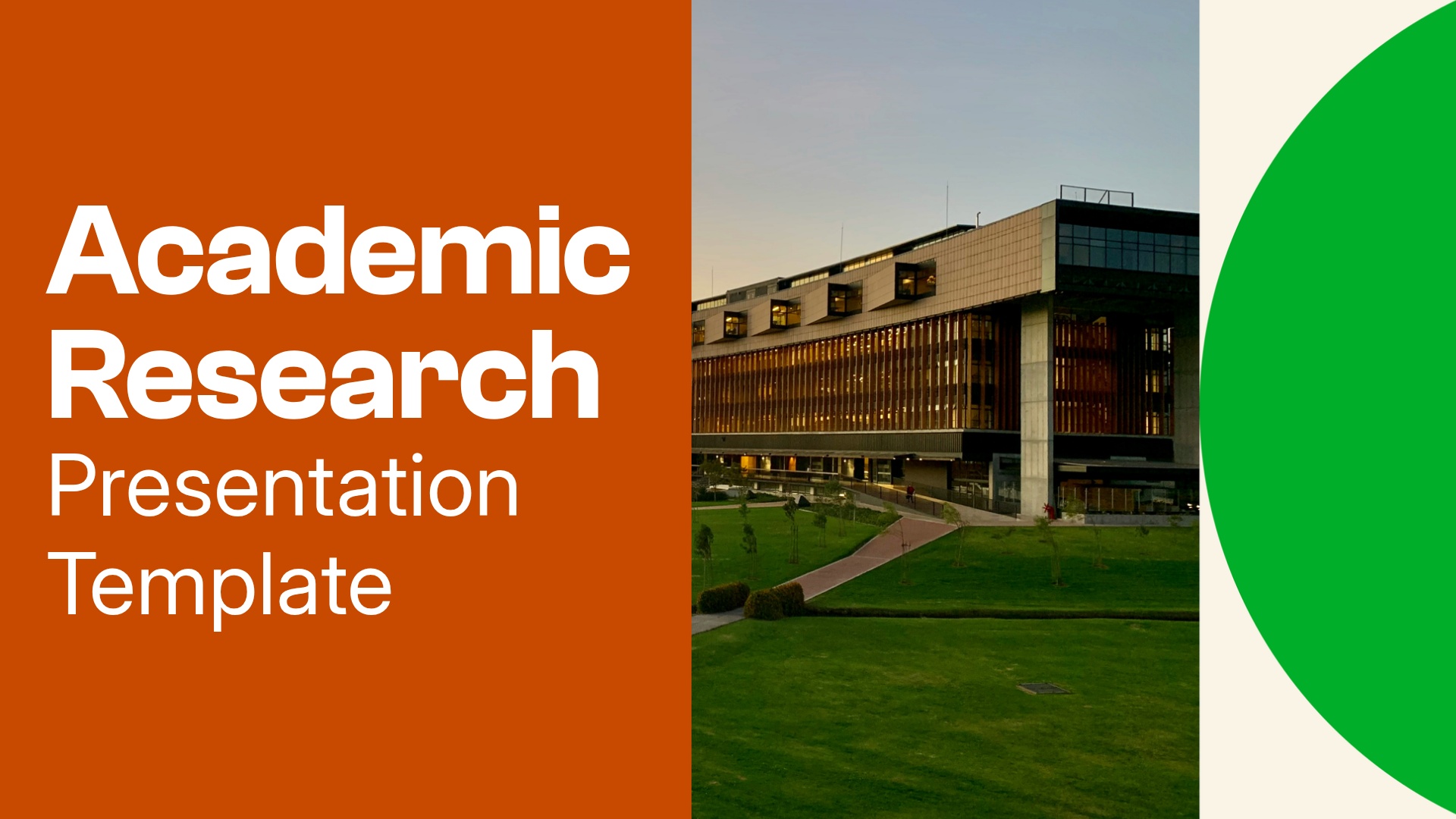
What is an Academic Research Presentation Template and when should you use one?
An academic research presentation explains a study’s purpose, how it was conducted, and what the findings suggest. It guides your audience from the research question through the evidence, giving them enough context to evaluate your conclusions.
Use one to share work at an academic conference, present a class research project, or discuss findings with faculty and peers. You can also adapt the structure for a thesis defense or an update on research in progress.
Beautiful.ai’s academic research presentation template provides dedicated slides for your study background, methodology, results, and limitations. Replace the sample content with your own research, then adjust the sections to fit your discipline and presentation requirements.
Our academic research presentation template can help you:
- Introduce your research question and the gap your study addresses.
- Explain your study design and data collection methods.
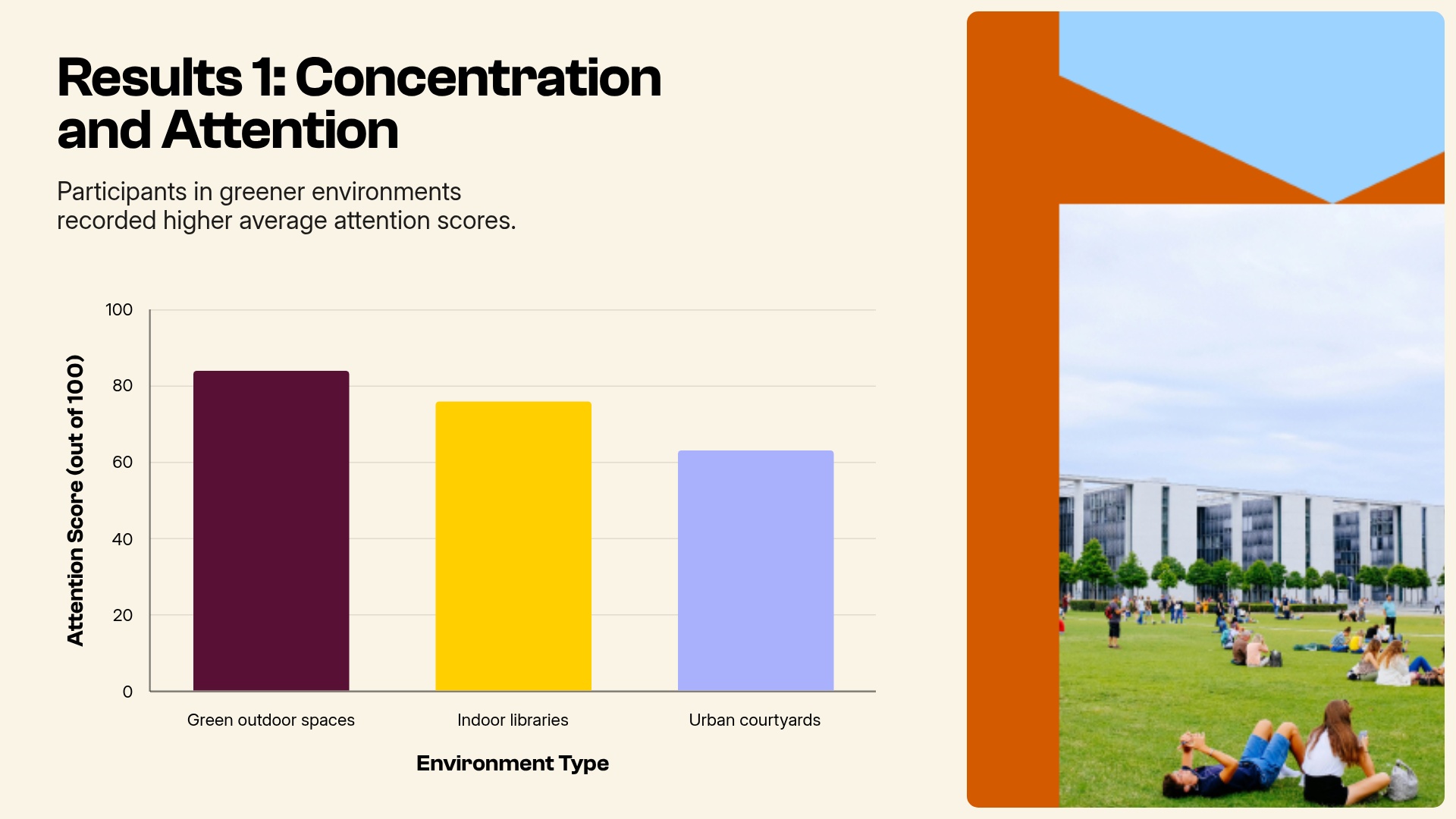
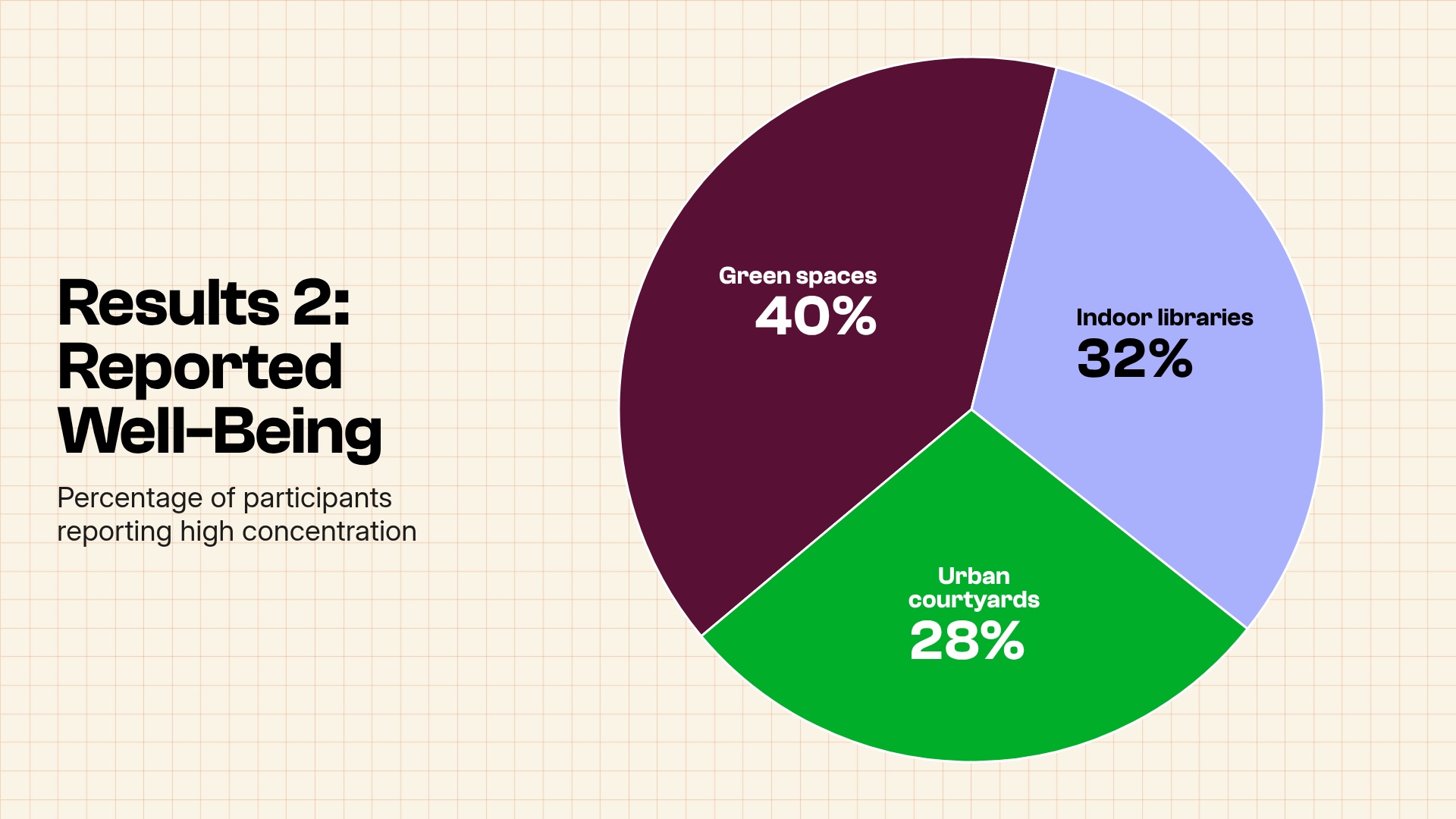
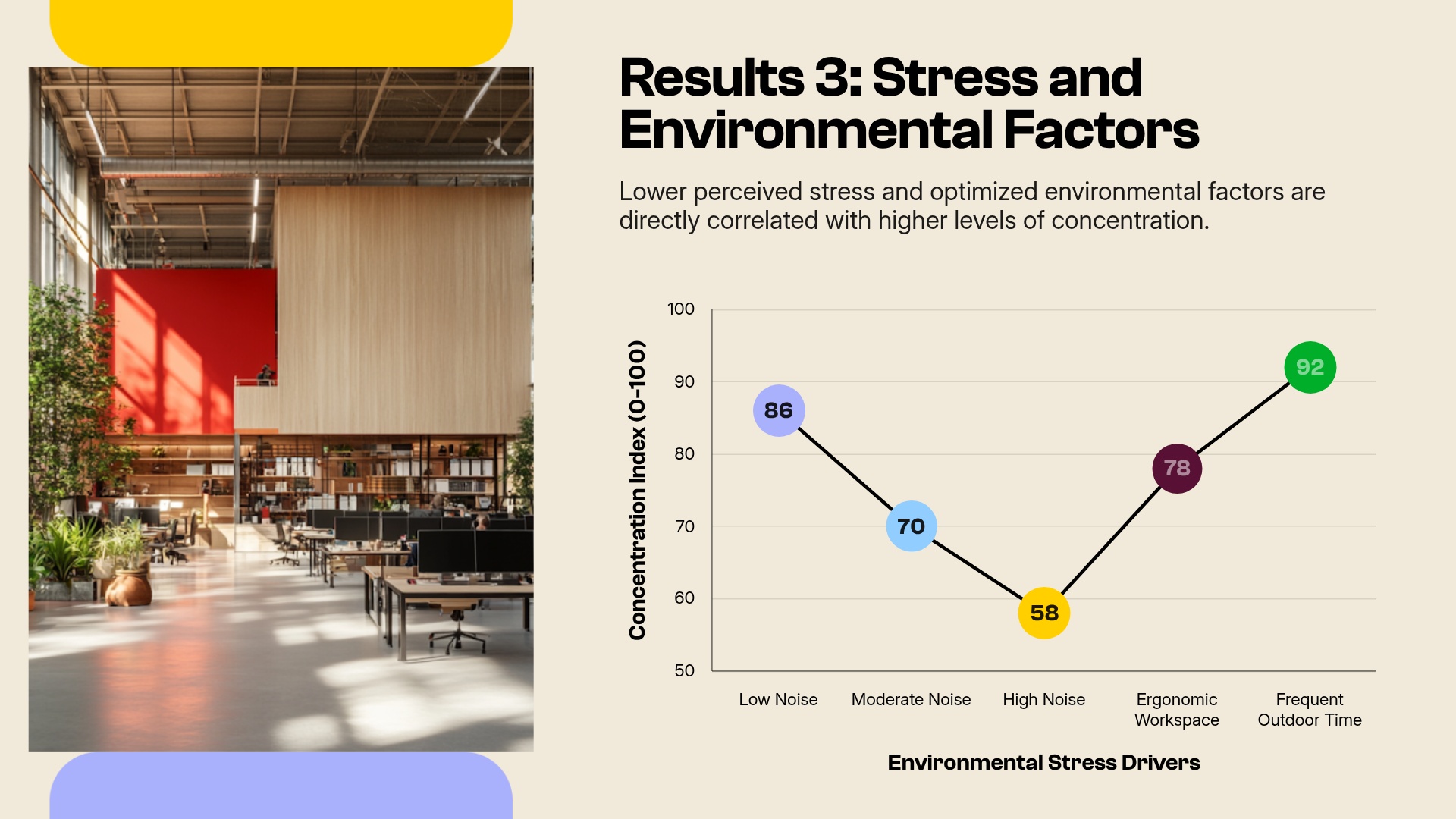
- Present findings with charts and concise supporting text.
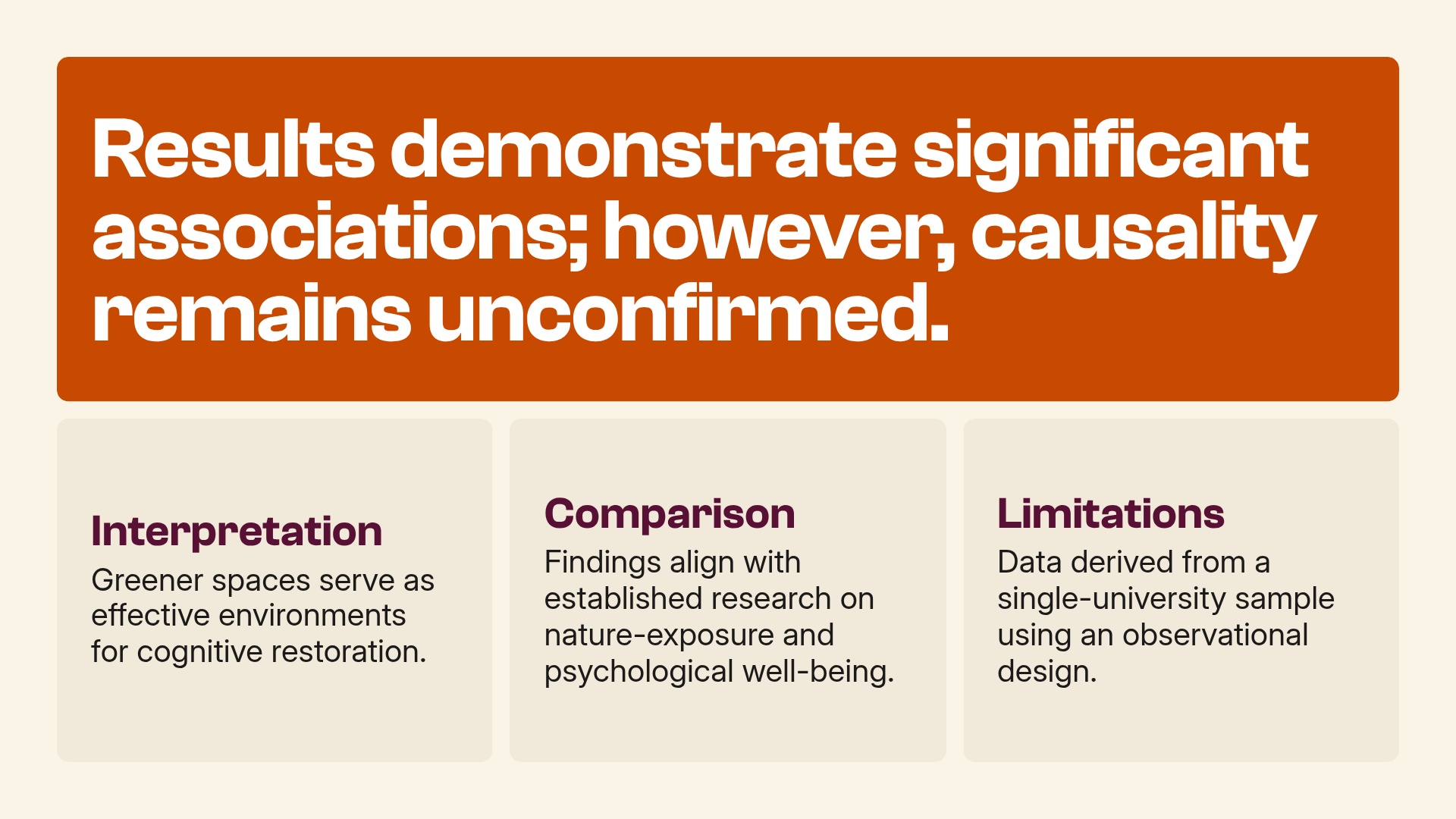
- Discuss limitations and connect conclusions to the evidence.
- Cite sources and acknowledge research contributors.
Slides included in the Academic Research Presentation Template
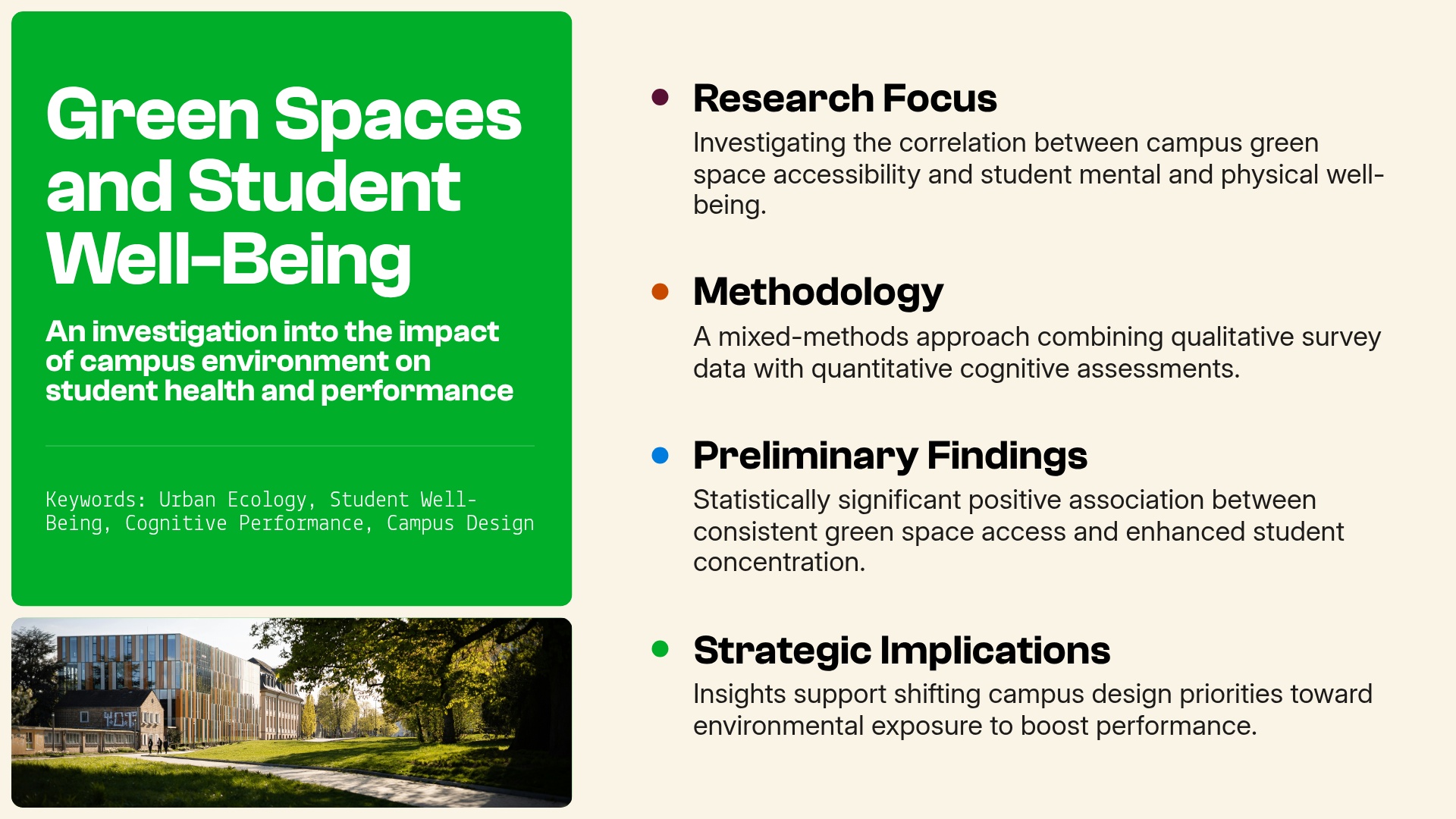
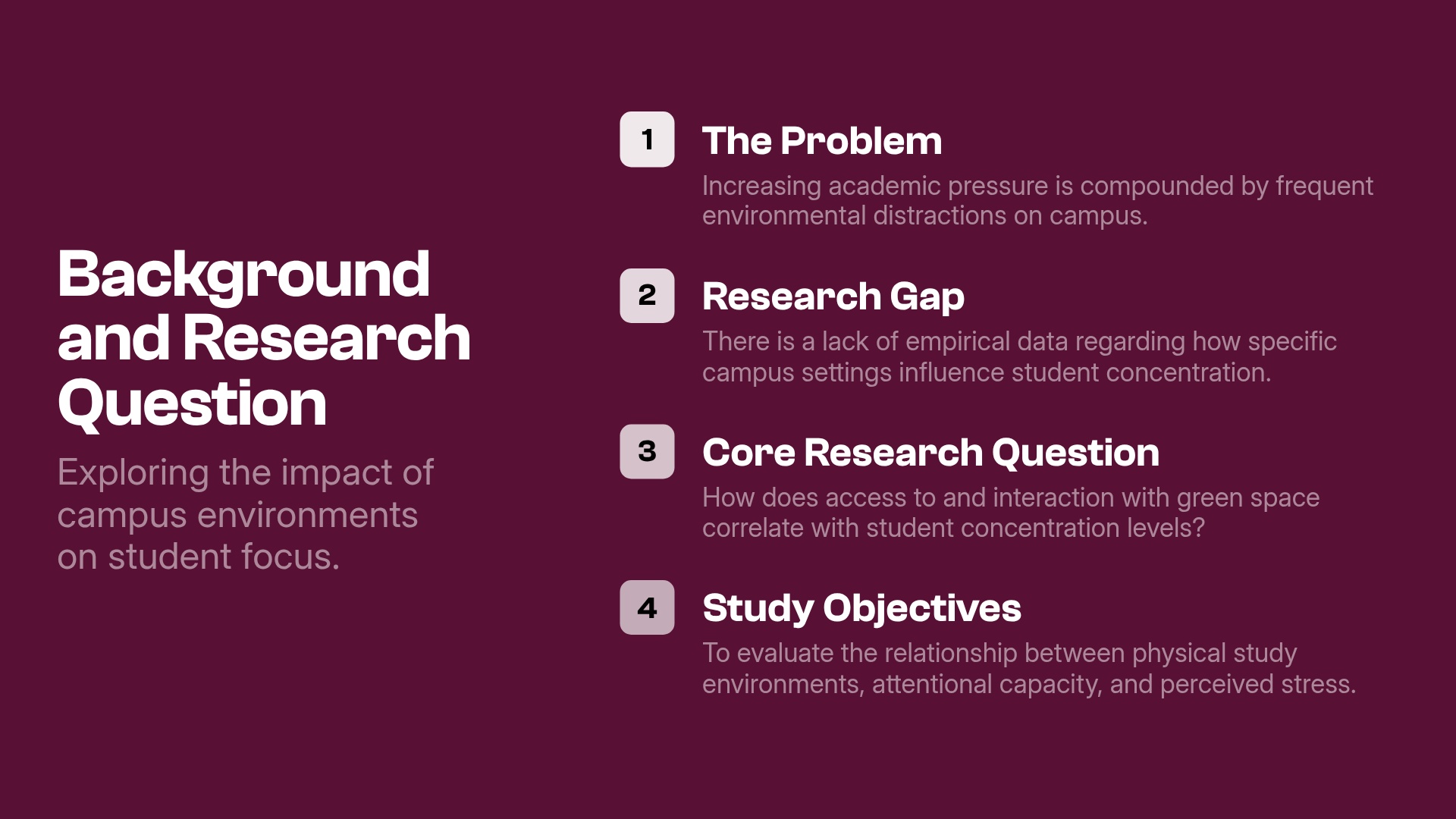
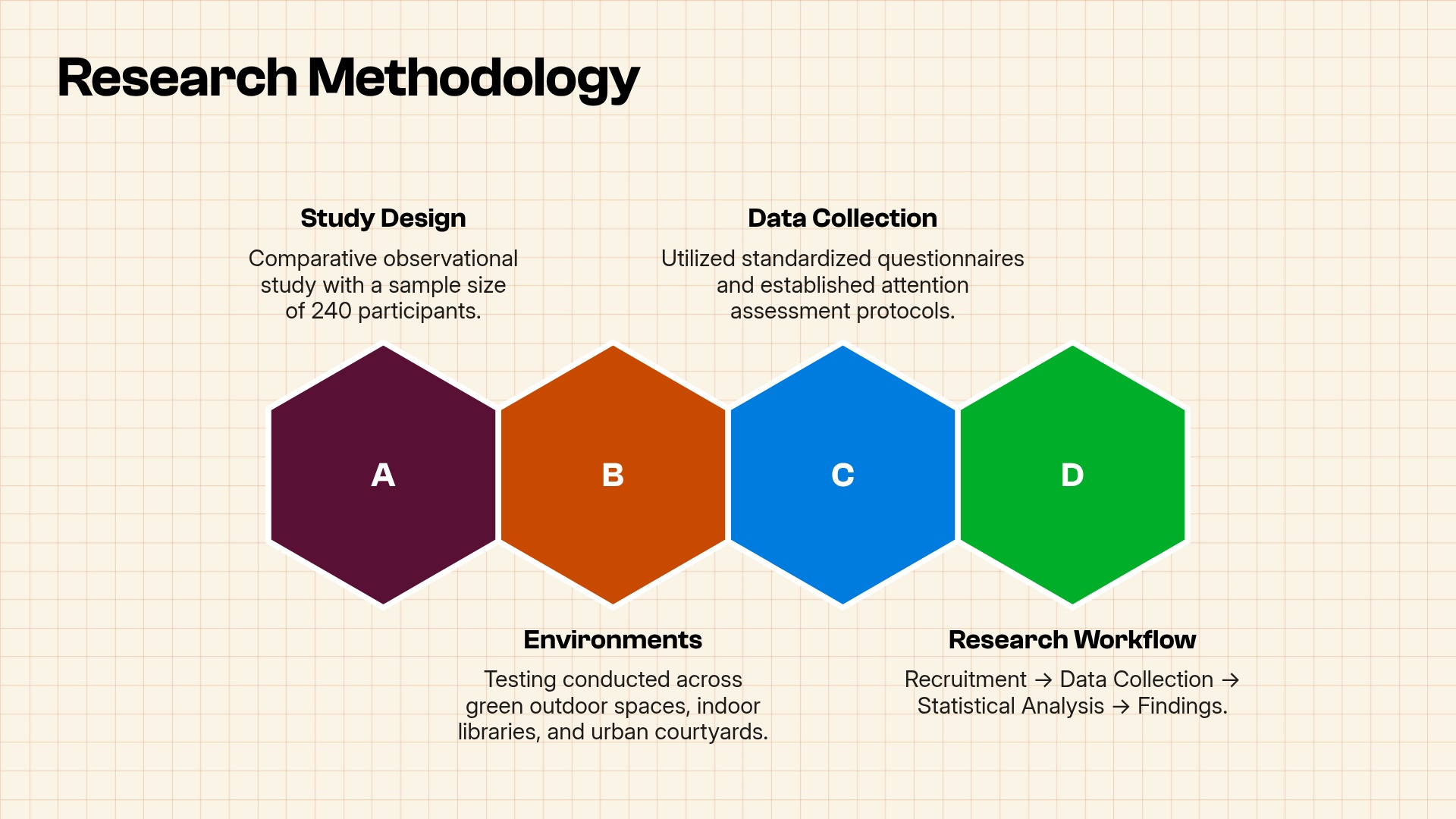
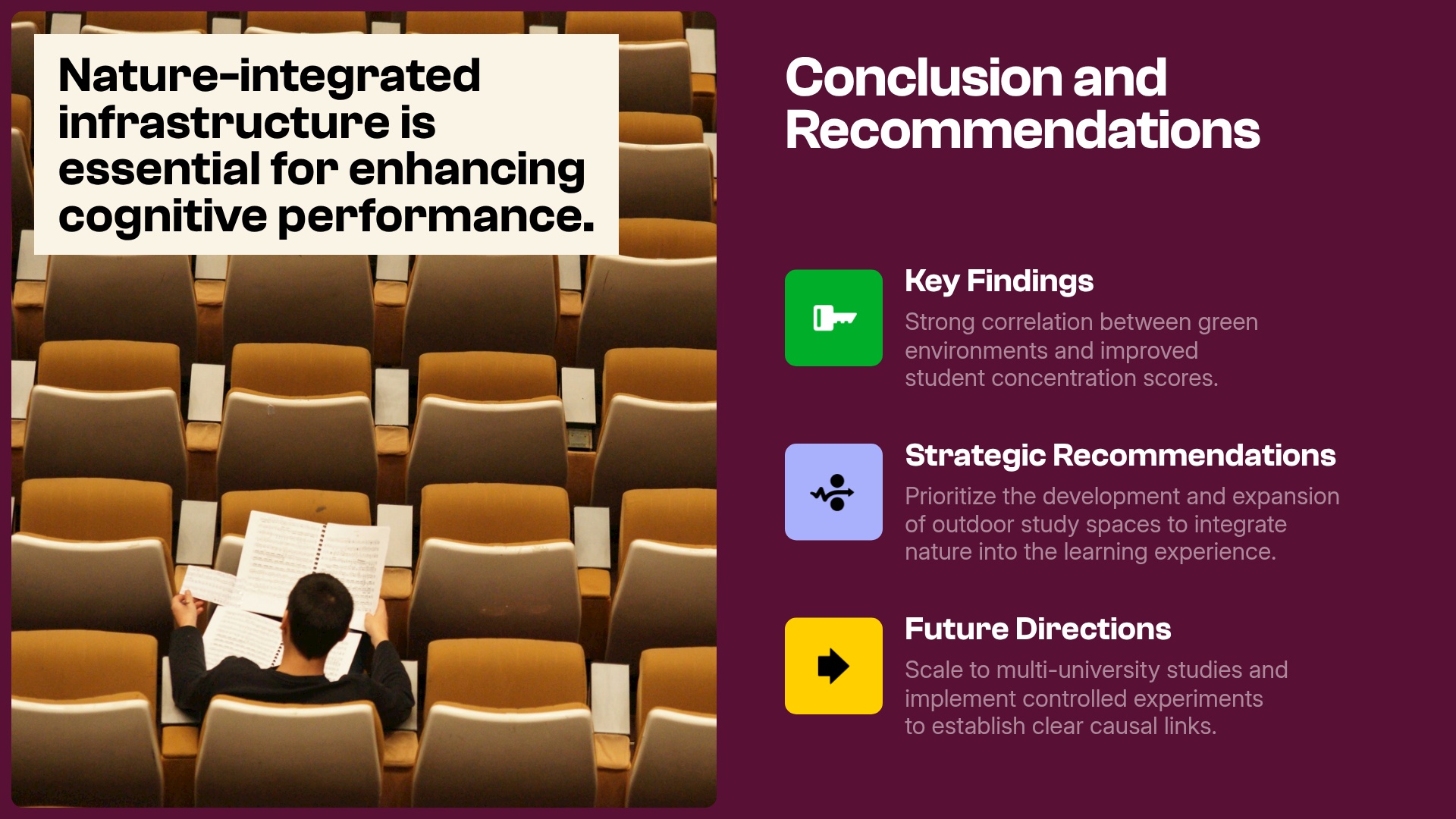
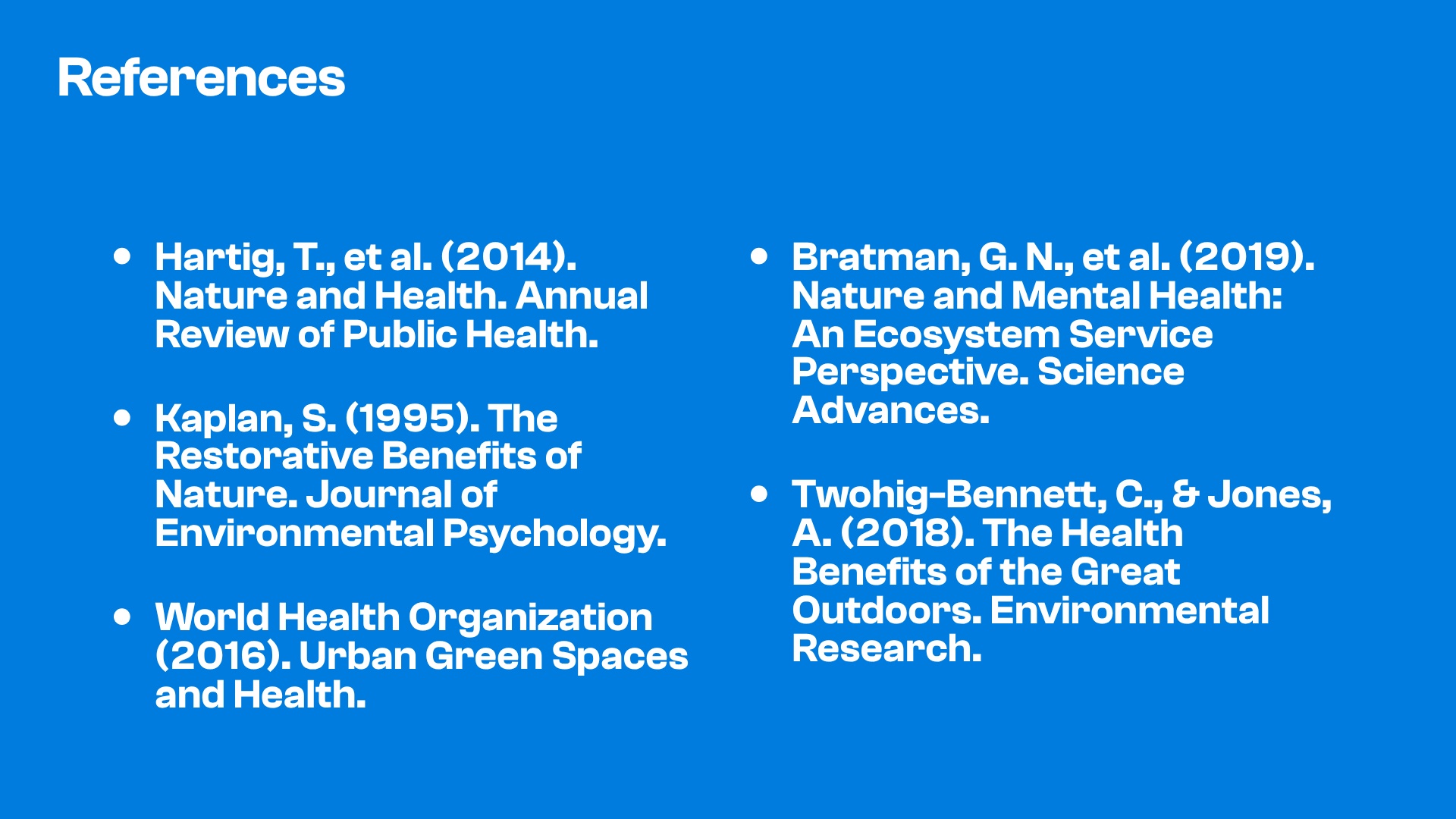
Pro tips for building an academic research presentation
As you use this template to build your academic research presentation, keep these tips in mind:
Connect your findings to the question
Make your evidence and limitations clear
Give AI specific research context
Use AI to tighten your message
Related templates

Clinical Results Presentation Template

Real Estate Market Analysis Presentation Template
Green Presentation Template
More {{template-category}} presentation templates
The AI presentation maker for faster impact
With AI that kickstarts your deck and Smart Slides that handle the formatting, you can focus on your story, not the alignment. Go from create, edit, to present with designer-level polish and in a fraction of the time.
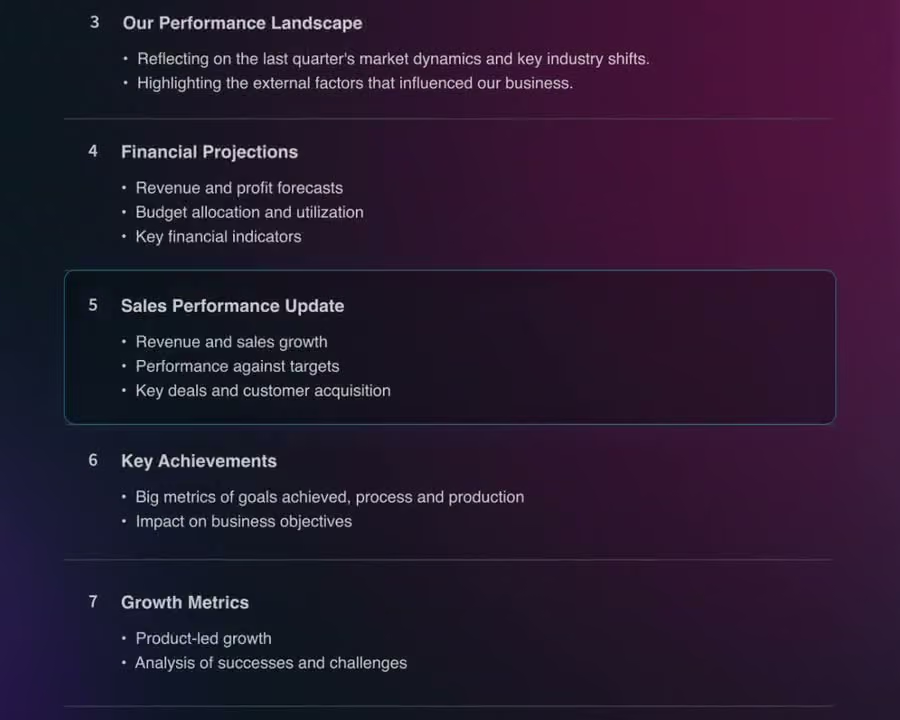
Features to ideate, edit, collaborate, and present.
We’re a complete presentation platform. Everything you need is in one place.




Smart Slides
Smart Slides auto-align, resize, and animate your content as you edit, so you focus on the message, not formatting.
Create with AI
Kickstart your ideas with AI. Just enter a prompt, add extra context, and get a beautiful presentation in seconds.
Themes & brand control
Define colors, fonts, logos, icons, and footers once. Save and reuse brand themes across decks and teams.
Data visualization
Instantly create animated charts and graphs. Link any spreadsheet for fast edits and live updates.
Image libraries
Get direct access to an expansive library of free, real-life stock images and videos, no need to leave your slide.
Presentation templates
Discover our gallery of professionally designed presentation templates, multi–slide decks built to give you a head start.
Presentation workflows
Shared slide libraries, real-time collaboration, user permissions, locked themes, and more.
Viewer analytics
Control access, and track engagement so you know what resonates, and when to follow up.
Animation & narration
Add embedded voice or video context to any slide - so your message lands clearly even when async.


“Beautiful.ai helps us quickly create clear and compelling presentations to share our strategy and results. It has been easy to integrate our branding and to pull from the library of materials created by others — building a cohesive and collaborative suite that helps us advance our mission."

"Beautiful.ai increased our efficiency. I mean, 50% sounds crazy, but it's pretty accurate when you consider all of the manual stuff that we used to have to do that Beautiful.ai now does for us."

"What you guys have created is a foolproof way to ensure quality presentations. It's almost just like they have a graphic designer over their shoulder while they're creating their decks."

“For any business owner or entrepreneur where time is of the essence you lose the ability to put those nice touches on presentations, Beautiful.ai does it for you, especially if you aren't creatively gifted!”
Related blog posts
Beautiful.ai for Sales Teams: 7 Features That Close Deals Faster

55 Presentation Ideas to Make Your Next Deck Worth Watching

How to Create an AI-Powered Marketing Campaign Deck in Under 30 Minutes

Try it free for 14 days
Start building Beautiful presentations.

