


Best NoteGPT alternatives: top 9 in 2026
![NoteGPT alternatives: the top 9 [updated for 2026]](https://cdn.prod.website-files.com/59e16042ec229e00016d3a66/69866836832c7194c984b444_beautiful%20ai%20vs%20notegpt.avif)

Best NoteGPT alternatives: top 9 in 2026
Students, researchers, and professionals increasingly rely on AI-powered tools to process information faster. According to research from Decktopus, over 72% of business professionals now use AI for content processing and knowledge management. The challenge isn't just capturing information anymore, it's transforming raw content into formats that drive action, whether that's polished presentations, structured documents, or organized study materials.
NoteGPT has gained popularity for video summarization and note-taking, but its focus on content extraction leaves gaps when users need to present findings, collaborate with teams, or create polished outputs from their research. Teams often explore NoteGPT alternatives when their workflow extends beyond note-taking into presentation creation, team collaboration, or professional content development.
What is NoteGPT?

NoteGPT is an AI note-taking and summarization tool designed to help students, researchers, and knowledge workers extract key insights from video content, podcasts, and web pages. The platform specializes in video summarization, offering features like AI-generated summaries, timestamps, mind maps, and flashcards to support learning and retention.
NoteGPT serves learners who need to process long videos and audio content quickly. Its Chrome extension allows users to summarize YouTube videos directly in their browser, while its AI chat feature lets users ask questions about summarized content. The platform positions itself within the broader category of AI-powered note-taking and summarization tools, competing with both general-purpose note-taking apps and specialized summarization platforms.
Users often explore NoteGPT alternatives when they need to transform summarized content into presentations, require stronger collaboration features for team-based research, want more comprehensive knowledge management systems, or need tools that handle the complete workflow from research through final deliverable creation.
Why look for NoteGPT alternatives?
Several factors drive users to explore NoteGPT alternatives:
Complete workflow coverage: NoteGPT excels at extracting and summarizing information but doesn't help users create polished presentations or documents from their notes. Professionals often need tools that bridge the gap between research and presentation, turning summarized content into stakeholder-ready materials.
Team collaboration requirements: While NoteGPT serves individual learners well, teams working on collaborative research projects, shared knowledge bases, or group presentations need stronger real-time collaboration features, commenting systems, and workspace management than NoteGPT currently offers.
Professional presentation needs: Researchers and business professionals don't just summarize content, they present findings to stakeholders, clients, or leadership teams. Tools that handle both research summarization and professional presentation creation eliminate the need to manually transfer content between platforms.
Broader content support and integration: Users processing diverse content types, research papers, meeting notes, web articles, and multimedia sources, may need more comprehensive functionality that integrates with existing tools like Notion, PowerPoint, or Google Workspace.
Learning methodology preferences: Students focused on active recall, spaced repetition, or specific study techniques may need platforms built around these pedagogical approaches rather than general summarization, or tools that transform notes into presentation formats for teaching and sharing.
Customization and output control: Some users want more granular control over output formats, presentation design, and final deliverable quality than NoteGPT's automated summarization approach provides.
Top 9 NoteGPT alternatives
The tools below represent different approaches to processing and presenting information. Some focus on transforming research into polished presentations, others excel at comprehensive note-taking and knowledge management, and several specialize in specific content types. Your best choice depends on whether your workflow ends with organized notes or continues through to presentation and collaboration.
1. Beautiful.ai
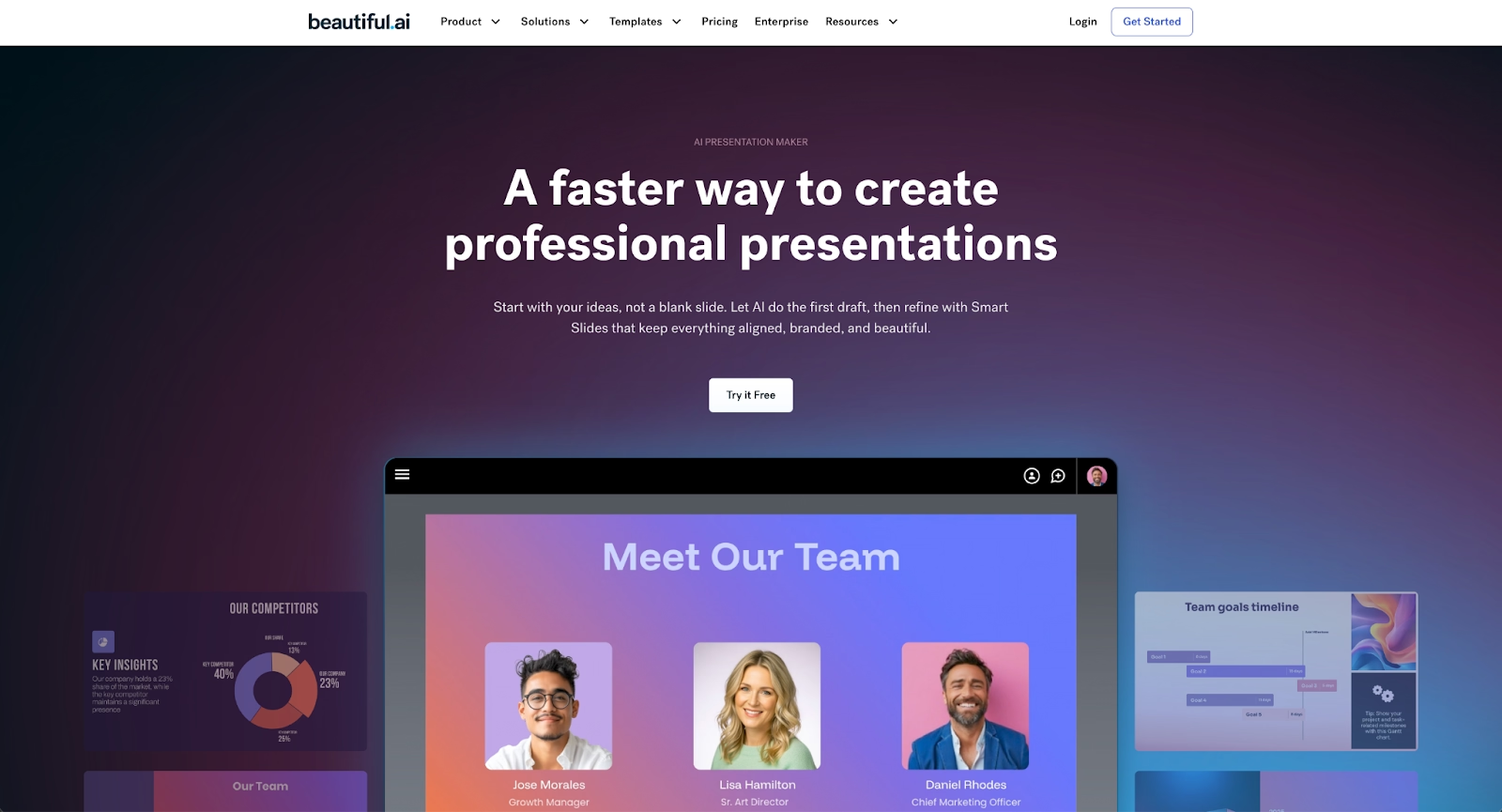
Beautiful.ai is a presentation platform that transforms research, notes, and insights into polished presentations quickly. While NoteGPT helps you extract and summarize information, Beautiful.ai helps you present that information professionally. The platform combines AI-powered content generation with automated design, serving the critical next step after research, communicating findings to audiences.
Beautiful.ai helps users kickstart their presentation ideas with AI. Just enter a prompt with your key findings or research summary, add extra context too, and get a beautiful presentation in seconds. Every AI-generated deck is built with Smart Slides, which auto-align, resize, and animate your content as you edit, ensuring every slide looks polished without manual design adjustments.
Smart Slides use built-in design logic to maintain consistent fonts, colors, and spacing throughout a presentation. This design automation is embedded in the software itself and does not leverage or depend on AI to apply those design automation rules. Beautiful.ai's AI features can generate entire decks, single slides, images, and text to help you skip the blank page and move quickly from research insights to presentation-ready materials.
The platform includes custom themes and brand controls for maintaining visual consistency, real-time collaboration features with commenting and permissions, and comprehensive data visualization tools for presenting research findings. Beautiful.ai exports to PowerPoint and PDF with full formatting fidelity and integrates with business tools like Slack and Google Workspace.
Beautiful.ai excels for researchers, marketing teams, sales professionals, and educators who need to transform summarized content into professional presentations for stakeholders, clients, or students. Where NoteGPT ends with organized notes and summaries, Beautiful.ai begins, turning those insights into compelling visual stories that drive decisions and communicate findings effectively.
2. Notion AI

Notion AI adds AI-powered summarization and content generation to Notion's flexible workspace platform. Users can summarize existing notes, generate content from prompts, extract action items from meeting docs, and ask questions about their knowledge base using natural language. Unlike NoteGPT's focus on video summarization, Notion AI works across all content stored in your workspace.
Notion's strength lies in its adaptability as a comprehensive knowledge management system. You can structure your workspace as a personal knowledge base, project management system, documentation hub, or collaborative wiki. Notion AI enhances this flexibility with summarization capabilities that work across databases, documents, and meeting notes, not just video content.
The platform supports templates, databases, relational data, and cross-platform access via web, iOS, and desktop apps. Teams already using Notion for knowledge management can add AI functionality without learning a separate tool or maintaining multiple systems. Where NoteGPT specializes in video summarization, Notion AI provides broader workspace-wide intelligence. Pricing includes a free plan with limited AI usage and paid tiers that unlock full AI features and team collaboration tools.
3. Otter.ai

Otter.ai specializes in real-time transcription and AI note-taking for meetings, interviews, and conversations rather than pre-recorded video content. The platform transcribes audio in real-time, identifies speakers automatically, and generates summaries with action items and key takeaways, serving a different content type than NoteGPT's YouTube and video focus.
Otter.ai integrates directly with Zoom, Microsoft Teams, and Google Meet, making it valuable for professionals who need meeting notes rather than video course summarization. The AI assistant can join meetings on your behalf, capture everything discussed, and share structured notes with your team afterward. This real-time capability distinguishes it from NoteGPT's after-the-fact video processing.
The platform includes a free tier with monthly transcription limits and paid plans that increase capacity and add features like custom vocabulary, advanced search, and team collaboration. While NoteGPT targets learners processing educational content, Otter.ai serves business users managing meeting workflows and conversation documentation in professional settings.
4. Gamma
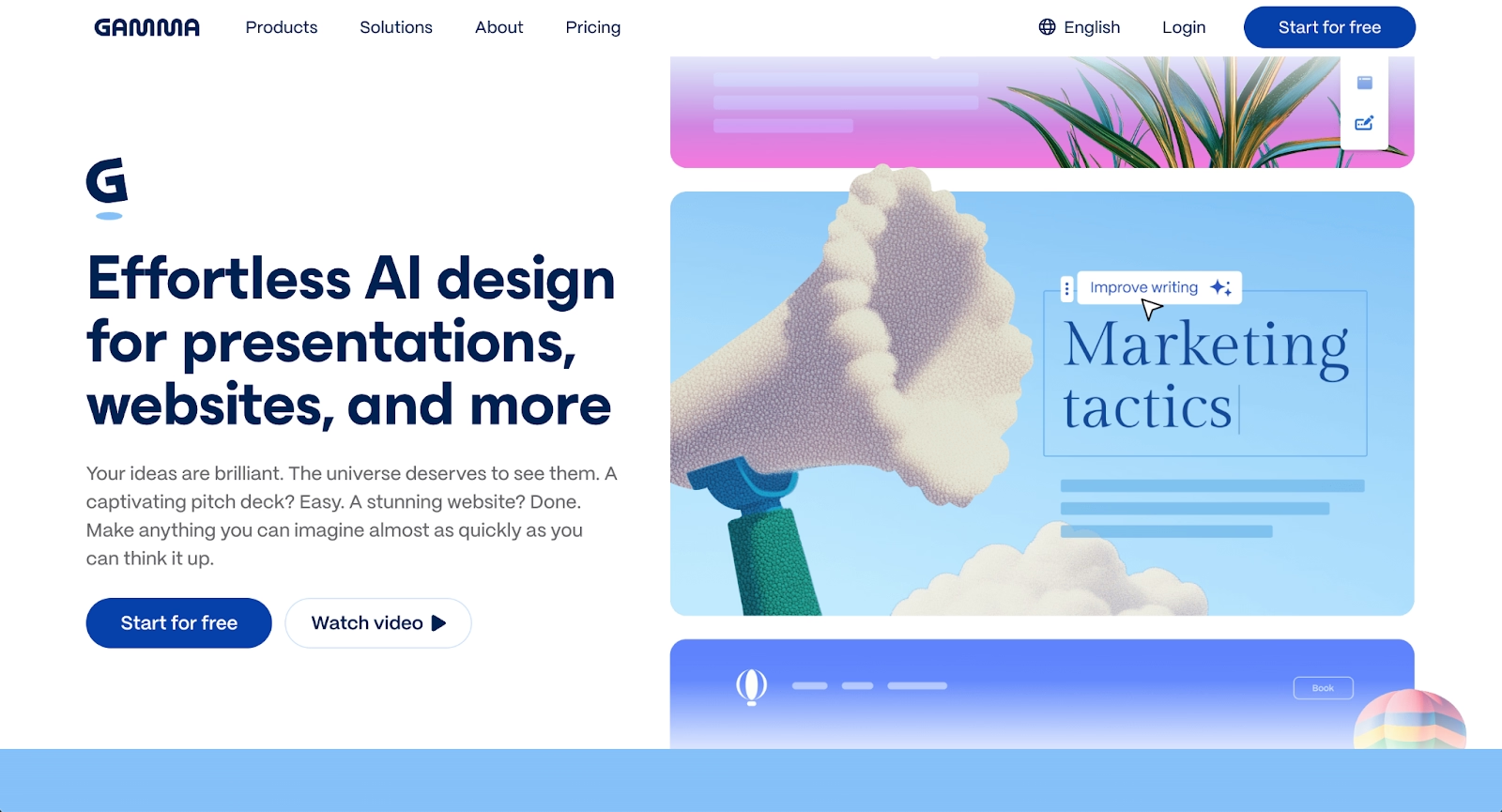
Gamma is an AI-powered presentation platform that creates card-based, scrollable presentations from prompts and outlines. Like Beautiful.ai, Gamma addresses what happens after research and note-taking, creating presentations to share findings. The platform uses AI to generate complete decks in approximately three minutes, handling both content generation and design layout automatically.
Gamma creates interactive presentations with embedded content, including videos, GIFs, charts, and live websites. The card-based format feels more like a modern webpage than traditional slides, optimized for async sharing where viewers consume content at their own pace. Gamma supports real-time collaboration and offers viewer analytics that track how audiences engage with shared presentations.
Where NoteGPT helps extract information from videos, Gamma helps present information to audiences. The platform's web-native approach works well for researchers and students who want to transform their notes into modern, shareable presentations. Gamma exports to PowerPoint and PDF, though the card-based format may require formatting adjustments. The platform offers a free tier with limited credits and paid plans that unlock additional AI features and presentation capacity.
5. Mindgrasp

Mindgrasp focuses specifically on academic learning with AI-powered summarization for video content, PDFs, research papers, and web pages, competing directly with NoteGPT's core functionality. The platform generates notes, summaries, flashcards, and quizzes from uploaded content, supporting learners who need multiple study formats from the same source material.
Mindgrasp stands out for its emphasis on retention through varied output formats. After processing a long video or dense research paper, users receive concise summaries, flashcard decks for spaced repetition practice, and quizzes that test comprehension. This multi-format approach serves students and learners more directly than general-purpose note-taking tools, similar to NoteGPT's study-focused features.
The platform includes a Chrome extension for quick summarization of web pages and YouTube videos, directly comparable to NoteGPT's browser integration. Where they differ is in output variety, Mindgrasp emphasizes active learning tools like quizzes and flashcards alongside summaries. Mindgrasp offers a free tier and paid plans that increase upload limits and processing capacity for students with high content volume.
6. ChatGPT

ChatGPT with web browsing capabilities can summarize YouTube videos, transcribe audio, and answer questions about linked content. While not a dedicated note-taking tool like NoteGPT, ChatGPT's conversational AI can process URLs, extract key points, and generate structured notes on demand with flexible output formatting.
This approach works best for users comfortable with prompt engineering and willing to manually organize AI-generated content. ChatGPT excels at flexibility; you can request bullet points, detailed summaries, comparative analyses, or study guides from the same source material by adjusting your prompts. This customization exceeds NoteGPT's standardized summary formats.
The primary trade-off involves workflow efficiency. Unlike purpose-built summarization tools with browser extensions and automated workflows, ChatGPT requires more active direction and manual organization. However, users already subscribed to ChatGPT Plus ($20/month) for other tasks gain summarization functionality without additional software costs, and can generate presentations, documents, or any output format from their research.
7. Visme
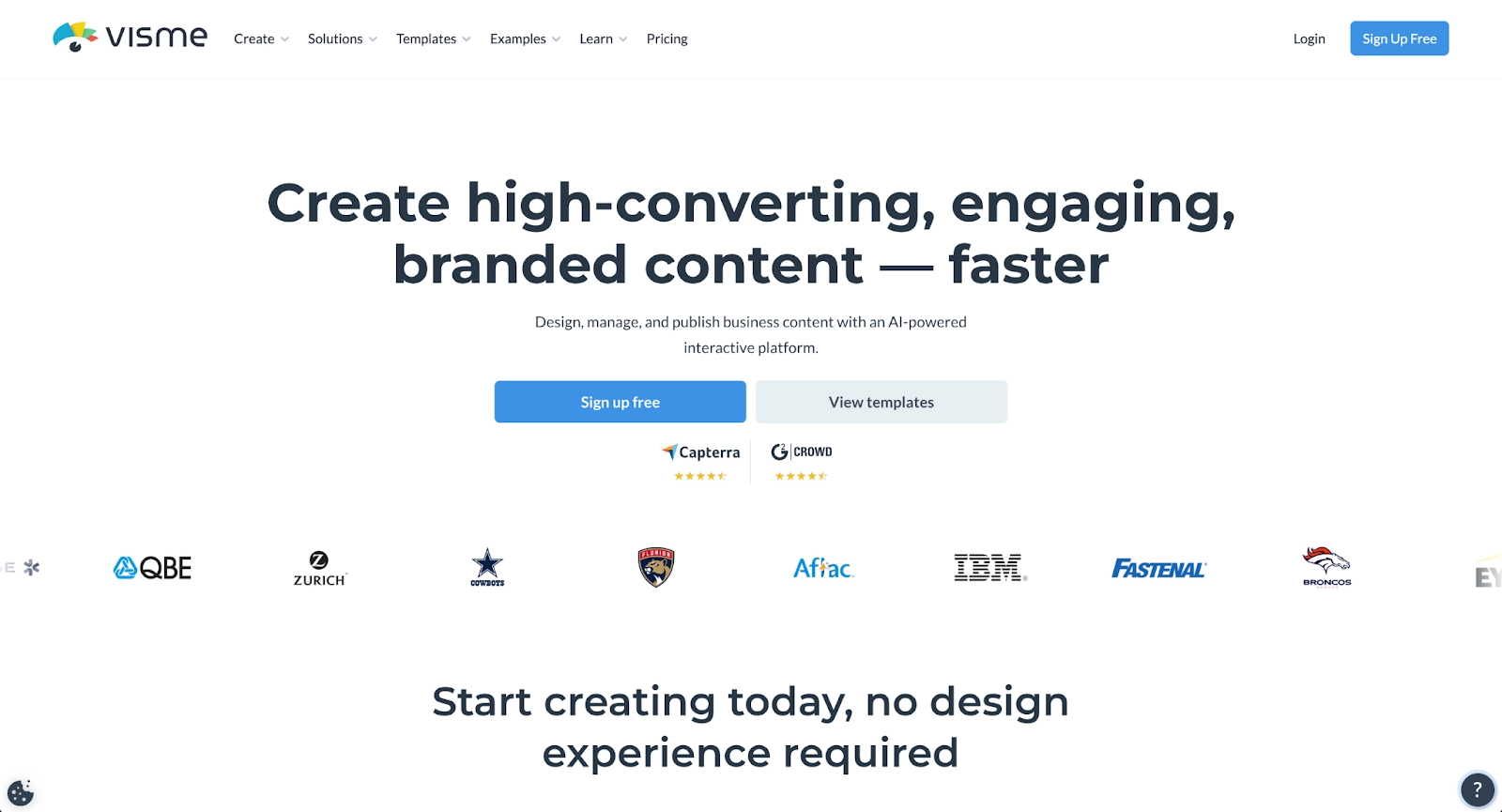
Visme is a design platform that extends beyond presentations to include infographics, reports, documents, and social media graphics. For users who summarize research with NoteGPT, Visme provides comprehensive tools for creating professional visual outputs from those insights, presentations, infographics, data visualizations, and reports.
The AI Presentation Generator creates drafts from prompts, while drag-and-drop editing and extensive template libraries support manual customization. Visme includes interactive elements like clickable buttons, popups, and embedded media that can enhance research presentations. Advanced chart and graph customization makes it valuable for presenting data-heavy research findings visually.
Where NoteGPT focuses on content extraction, Visme focuses on content presentation across multiple formats. The platform supports brand kit features that ensure consistent colors, fonts, and logos across all visual content. Researchers and students who need to transform notes into polished presentations, infographics, or visual reports benefit from Visme's versatility. Pricing includes a free plan with basic features and paid tiers for premium templates and team collaboration.
8. Presentations.ai
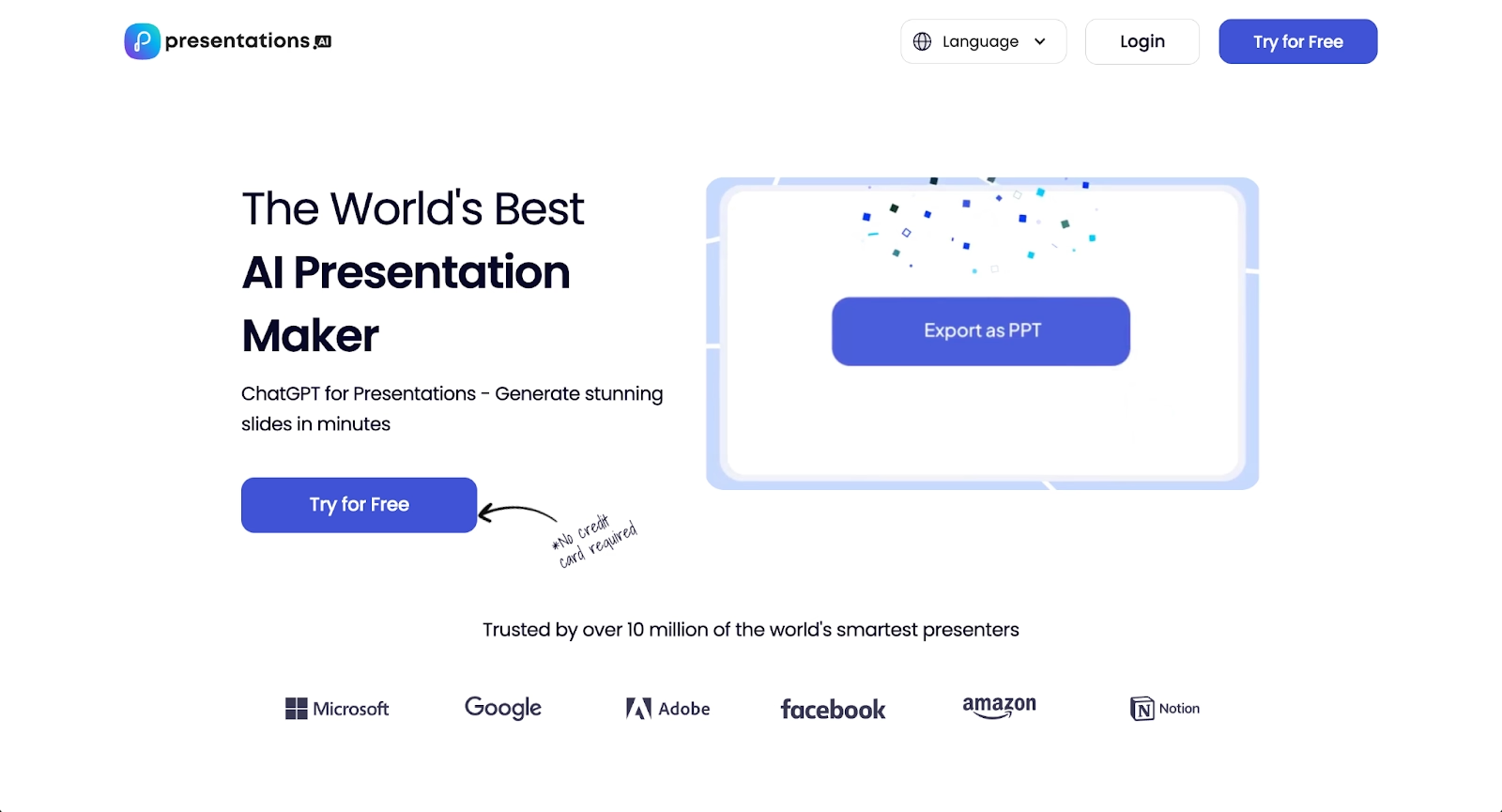
Presentations.ai leverages artificial intelligence to generate complete presentations from simple text inputs, serving the workflow step after summarization. Users describe their research findings or key points, and the platform produces slides with content, design, and layout already in place, similar to how NoteGPT generates summaries from videos.
The platform takes a conversational approach to presentation creation. Presentations.ai includes a Brand Sync feature that learns style preferences over time to maintain visual consistency across multiple presentations. The platform focuses on speed and convenience, making it possible to create presentations in minutes after completing research.
For students and researchers using NoteGPT to summarize sources, Presentations.ai provides a fast path to presentation-ready output. The platform includes editing tools for refining AI-generated content while maintaining consistent design. Pricing includes a free tier with 250 AI credits (approximately 5 presentations) and a Pro plan at $198/year for unlimited creation.
9. Google Slides
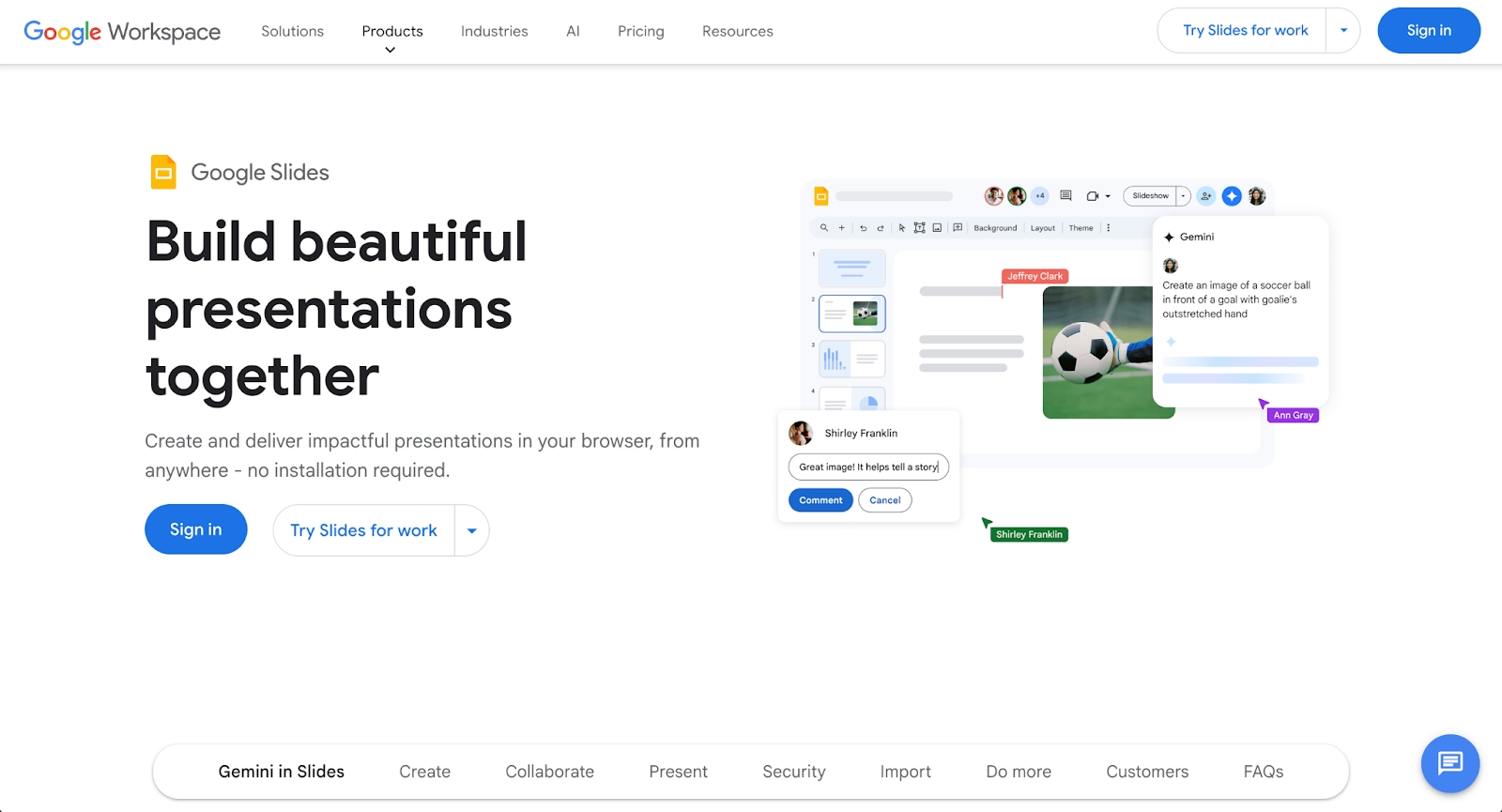
Google Slides is a widely used presentation platform that integrates seamlessly with Google Workspace. While not specifically an AI summarization tool like NoteGPT, Google Slides serves as the destination for many researchers' work, where summarized notes become presentations for sharing findings with teams, classrooms, or stakeholders.
With Gemini AI capabilities (available through Google Workspace subscriptions), the platform can generate slides from prompts, write content, and create images. Google Slides offers collaborative editing with real-time updates, making it valuable for team research projects where multiple people contribute to presentations based on shared notes and findings.
The platform provides templates, themes, and basic design tools along with cross-device access through web browsers. Google Slides integrates with Google Docs and Sheets, allowing researchers to pull content from written notes and data analyses into presentations easily. For students and teams already using Google Workspace, Google Slides provides a natural presentation platform. Basic Google Slides remains free, while advanced Gemini AI features require Google One AI Premium ($19.99/month) or Workspace business plans.
Key comparison criteria
Evaluating NoteGPT alternatives requires understanding how each tool fits your complete workflow, from information intake through final deliverable creation.
AI features
AI capabilities serve different purposes across these tools. NoteGPT uses AI for video summarization, timestamp generation, and content extraction. Mindgrasp offers similar summarization with additional quiz and flashcard generation. ChatGPT provides flexible conversational AI that adapts to custom prompts.
Beautiful.ai, Gamma, Presentations.ai, and Visme use AI for presentation generation, transforming notes and insights into visual formats. Beautiful.ai's Smart Slides provide continuous design automation as you edit, while others focus primarily on initial generation. Notion AI adds intelligence to comprehensive workspaces, and Otter.ai specializes in real-time meeting transcription.
Consider whether you need AI for content extraction, presentation creation, or both. Some users combine tools, NoteGPT or Mindgrasp for summarization, then Beautiful.ai for presenting findings. Others prefer all-in-one platforms like Notion AI or ChatGPT that handle multiple workflow stages.
Ease of use
Learning curves vary based on specialization versus flexibility. Focused tools like NoteGPT and Mindgrasp offer straightforward workflows: upload content, receive summaries and study materials. Browser extensions from NoteGPT, Mindgrasp, and similar tools enable one-click summarization.
Presentation tools like Beautiful.ai automate design decisions, reducing complexity while maintaining professional output. ChatGPT requires prompt engineering skills. Comprehensive platforms like Notion demand upfront configuration but adapt to evolving needs over time.
Your tolerance for setup time should guide evaluation. Specialized tools work immediately but offer limited flexibility. Platforms emphasizing automation (Beautiful.ai's Smart Slides, Presentations.ai's generation) balance ease with capability. Flexible systems (Notion, Visme) require investment but handle diverse workflows.
Design quality and templates
Visual polish matters differently depending on your end goal. If your workflow ends with organized notes, NoteGPT's functional interface suffices. If you present findings to stakeholders, design quality becomes critical.
Beautiful.ai prioritizes automated professional design through Smart Slide layouts. Gamma generates modern web-optimized presentations. Visme offers extensive customization for users comfortable with design tools. Google Slides and PowerPoint provide basic templates requiring manual refinement.
Summarization tools like NoteGPT and Mindgrasp focus on content clarity over aesthetics. Presentation platforms emphasize visual impact. Match design capabilities to your output requirements, personal study notes versus client presentations versus academic papers.
Collaboration
Team collaboration needs separate individual tools from enterprise platforms. NoteGPT serves individual learners without extensive team features. Beautiful.ai, Notion, Google Slides, and Otter.ai support shared workspaces, simultaneous editing, commenting, and version history for distributed teams.
Research teams working collaboratively on presentations benefit from platforms with real-time editing, permissions, and shared libraries. Otter.ai enables meeting note sharing across teams. Notion serves as collaborative knowledge bases. Google Slides integrates with Google Workspace collaboration patterns.
Consider whether you process content alone or build shared knowledge with teammates. Individual summarization tools suffice for solo learners. Team research projects require collaborative platforms with approval workflows and asset management.
Export and integrations
Integration capabilities determine how well tools fit existing workflows. NoteGPT exports summaries but requires manual transfer to presentation or document tools. Platforms offering direct export to PowerPoint, PDF, Notion, or Obsidian streamline handoffs between research and presentation phases.
Beautiful.ai exports to PowerPoint and PDF with full formatting fidelity. Google Slides integrates natively with Google Workspace. Notion connects to numerous knowledge management tools. Chrome extensions from NoteGPT, Mindgrasp, and others enable in-browser processing without context switching.
Evaluate whether each tool sends content where you actually work. Seamless workflows reduce friction between summarization and presentation. API access allows automation for high-volume users.
Pricing
Free plans and pricing tiers vary significantly. NoteGPT and Mindgrasp offer free tiers with monthly usage limits. ChatGPT Plus costs $20/month for general AI access including summarization. Google Slides provides full basic functionality free with Google accounts.
Beautiful.ai offers a 14-day free trial with full feature access, then requires subscriptions starting at $12/month for individuals. Specialized tools like NoteGPT typically charge $10-15 monthly for full features. Enterprise platforms scale pricing based on team size and advanced features.
Calculate cost per use case rather than comparing absolute prices. A tool handling both summarization and presentation may cost less than separate specialized tools. Free tier generosity determines accessibility for students and individual learners on tight budgets.
Quick comparison snapshots
These head-to-head comparisons highlight practical workflow differences between top alternatives and NoteGPT.
Beautiful.ai vs NoteGPT
Beautiful.ai and NoteGPT serve complementary workflow stages rather than directly competing functions.
NoteGPT excels at the research phase, extracting key insights from videos, generating summaries with timestamps, creating mind maps, and producing flashcards for study. The platform helps you process and organize information efficiently for learning and retention.
Beautiful.ai addresses what happens next, communicating your findings. After you've summarized research with NoteGPT, Beautiful.ai transforms those insights into polished presentations for stakeholders, clients, classrooms, or teams. The Smart Slide layouts automate design so you focus on presenting your research effectively rather than formatting slides.
Users who both consume content for learning and create presentations for teaching or stakeholder communication might use both platforms in sequence: NoteGPT for research summarization, Beautiful.ai for presentation creation. If your workflow ends with organized notes, NoteGPT suffices. If you regularly present findings to others, Beautiful.ai's automation saves significant time transforming research into professional deliverables.
Mindgrasp vs NoteGPT
Mindgrasp and NoteGPT compete directly as AI-powered summarization tools for students and researchers processing video content, PDFs, and web pages.
Both platforms offer Chrome extensions for quick YouTube summarization, AI-generated notes from videos, and question-answering about content. NoteGPT emphasizes timestamps, mind map generation, and structured summaries. Mindgrasp differentiates through multiple output formats, generating not just summaries but also flashcards for spaced repetition and quizzes for comprehension testing.
The key difference lies in learning methodology emphasis. NoteGPT provides excellent summarization and organization tools. Mindgrasp extends this with active learning features designed for retention and testing. Students who study primarily through reading summaries may find both tools equivalent. Those who benefit from flashcards and self-quizzing will value Mindgrasp's additional formats.
Both offer similar pricing structures with free tiers and paid plans increasing capacity. Choice often comes down to whether you want pure summarization (NoteGPT) or summarization plus active learning tools (Mindgrasp).
Notion AI vs NoteGPT
Notion AI and NoteGPT approach information processing from different philosophical directions, workspace-wide intelligence versus specialized summarization.
NoteGPT specializes in extracting information from external content like YouTube videos, podcasts, and web articles. It excels at processing content you don't control, creating summaries and study materials from third-party sources. The platform focuses specifically on this summarization workflow.
Notion AI adds intelligence to your existing knowledge base. It summarizes content you've already stored in Notion, generates new content based on workspace information, and helps organize and retrieve knowledge across databases and documents. Notion AI works best when you've built a comprehensive workspace, it enhances content you already manage rather than importing external sources.
Choose NoteGPT for processing external video content and web articles into summaries and study materials. Choose Notion AI if you already use Notion as your primary knowledge management system and want AI to help organize, summarize, and generate content within that workspace. Some users employ both, NoteGPT for external content processing, then storing results in Notion where Notion AI provides ongoing intelligence.
Conclusion
NoteGPT has established itself as a capable tool for video summarization and note-taking, but the best alternative depends on where your workflow goes after capturing information.
For researchers, students, and professionals who need to transform summarized content into polished presentations, Beautiful.ai offers the strongest complementary tool. Its combination of AI content generation with Smart Slide layouts delivers automated design that maintains professional quality as you refine presentations. Organizations prioritizing the complete workflow, from research through stakeholder presentation, will find Beautiful.ai bridges the gap between note-taking and professional communication.
The right choice aligns your complete workflow, information intake, organization, retention, and output creation, with tools built specifically for each stage. Many professionals use multiple tools strategically: summarization tools like NoteGPT for research, then presentation platforms like Beautiful.ai for communicating findings.
Start your free trial with Beautiful.ai and discover how quickly you can transform research insights and summarized content into presentation-ready materials that communicate your findings effectively.
Why customers are switching to Beautiful.ai
Beautiful.ai is an AI-powered presentation platform that helps teams create polished, on-brand slides in a fraction of the time, without design skills or manual formatting.
- Design automation built in. Whether you're building pitch decks, reports, or internal presentations, Beautiful.ai’s Smart Slides automatically format content so you never worry about spacing, alignment, or layout again. Add your content, and the design adjusts instantly.
- ️No design experience required. Create professional decks without touching text boxes or manually arranging elements. Choose from Smart Templates and let the AI handle layout decisions, visual hierarchy, and consistency across the entire deck.
- Branding? Already handled. Keep every slide on-brand with your fonts, colors, and logos applied automatically. Beautiful.ai ensures every team member creates presentations that look like they came from a dedicated design team—without extra work.
- Real-time collaboration & team controls. Collaborate directly on the same deck, leave comments, manage permissions, and maintain consistency across team presentations. Perfect for growing teams and cross-functional workflows.
- Faster workflows, fewer revisions. Jump from rough outline to polished presentation in minutes, not hours. Beautiful.ai reduces back-and-forth edits by enforcing on-brand design rules and helping you iterate faster with AI-assisted slide creation.
