


Best Decksy alternatives: top 9 in 2026
![Decksy alternatives: the top 9 [updated for 2026]](https://cdn.prod.website-files.com/59e16042ec229e00016d3a66/69741e03172e5586c011ce3b_beautiful%20ai%20vs%20decksy.avif)

Best Decksy alternatives: top 9 in 2026
Professionals searching for the right presentation tool often compare multiple platforms before committing to a workflow. Decksy has gained attention as an AI-powered presentation generator, but understanding how it stacks up against competitors helps teams make informed decisions. The quality of your presentation tool directly impacts both the creation process and the effectiveness of your communication. Key presentation statistics show that the tools teams choose significantly influence productivity and output quality. This guide covers Decksy and the top alternatives, helping you evaluate which platform best supports your content creation and presentation needs.
What is Decksy?

Decksy is an AI presentation generator designed to turn text prompts, outlines, and notes into polished slide decks without manual design work. Its key features include prompt-to-presentation generation, outline-based slide creation, and built-in templates for pitch decks, business updates, and educational content.
The platform handles structure, layout, and visual formatting automatically, making it accessible for non-designers who want professional results. Decksy positions itself within the broader category of AI presentation tools that streamline the creation process for business, education, and startup use cases.
While Decksy offers a user-friendly approach to automated slide generation, many users explore alternatives to find better template libraries, deeper integrations, or different pricing structures.
Why look for Decksy alternatives?
Several factors drive users to evaluate stream deck alternatives in the presentation space. Feature limitations are common: Decksy handles basic slide generation well, but teams with complex data visualization or multimedia needs may require more advanced capabilities.
Workflow compatibility matters too. Some teams prefer platforms with deeper Microsoft or Google Slides integration, or those that connect with tools like Salesforce for sales presentations. Pricing also plays a role. Decksy's pricing starts at $6.99/month annually, but organizations often compare free plan options and pro tiers across competing platforms.
Template variety, export flexibility, and real-time collaboration features round out the reasons teams explore other options. Understanding these criteria helps streamline your evaluation process.
Top 9 Decksy alternatives
The tools below vary in focus, from automation and design control to collaboration and flexibility. Each serves different teams, whether you're building startup pitch decks or enterprise presentations.
1. Beautiful.ai
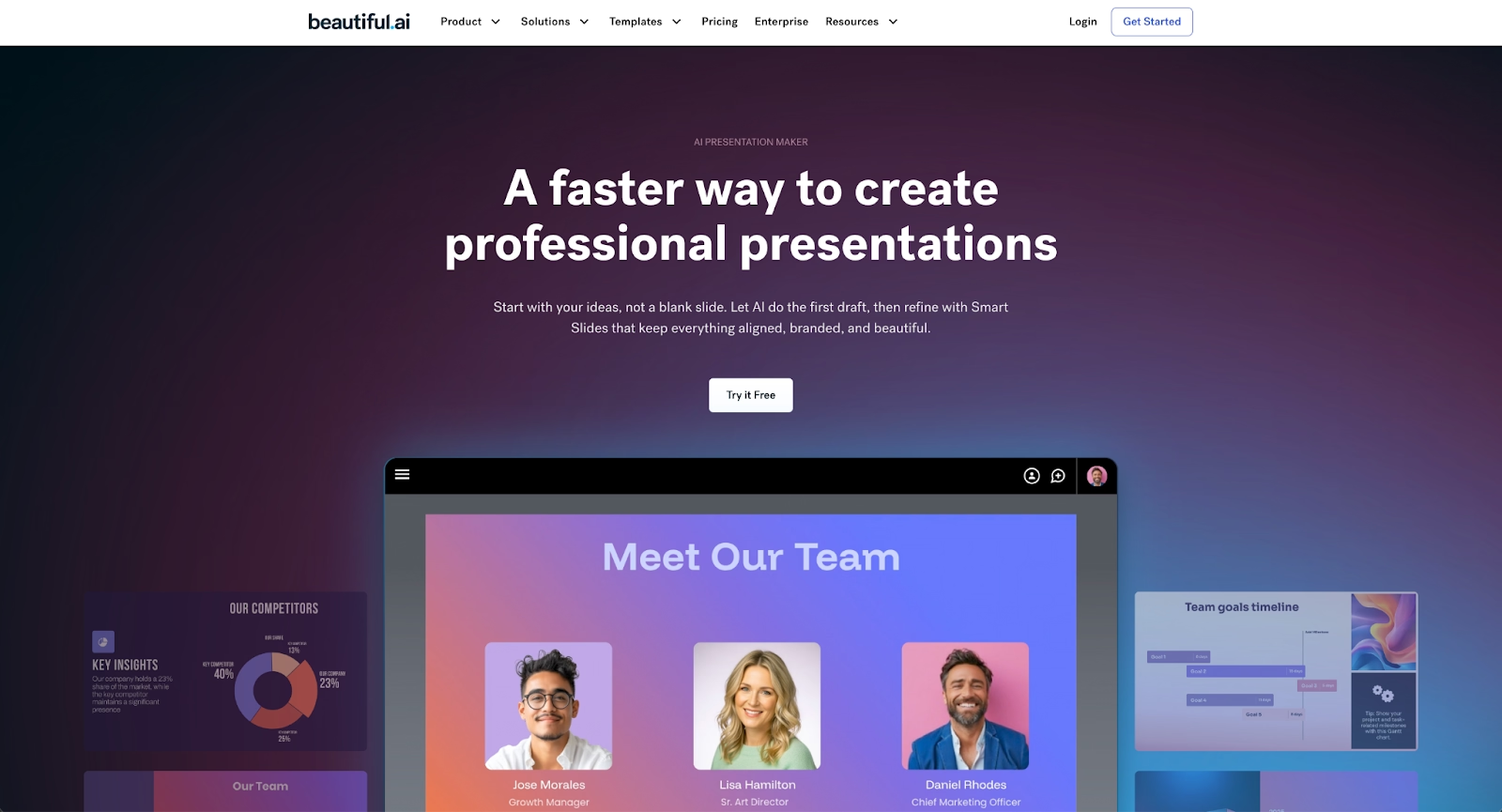
Beautiful.ai offers two distinct capabilities that work together. Smart Slides are auto-aligning, auto-resizing layouts with built-in design logic that automatically enforces professional formatting as you edit—no AI involved in the formatting itself. Select a Smart Slide layout, and the platform adapts content while maintaining consistent fonts, colors, and spacing.
Separate from Smart Slides, Beautiful.ai's AI features help you skip the blank page. Enter a prompt or outline, and the AI generates entire presentation drafts, individual slides, images, or text in seconds. Every AI-generated deck is built on Smart Slides, allowing you to move from initial draft to refined presentation at high speed.
This combination makes Beautiful.ai ideal for teams that want polished business presentations without extensive manual formatting. Unlike Decksy's prompt-based generation alone, Beautiful.ai pairs AI ideation with real-time design enforcement that keeps every slide on-brand. Built-in collaboration features, analytics, and export options make it a strong choice for professional teams.
2. Presentations.ai
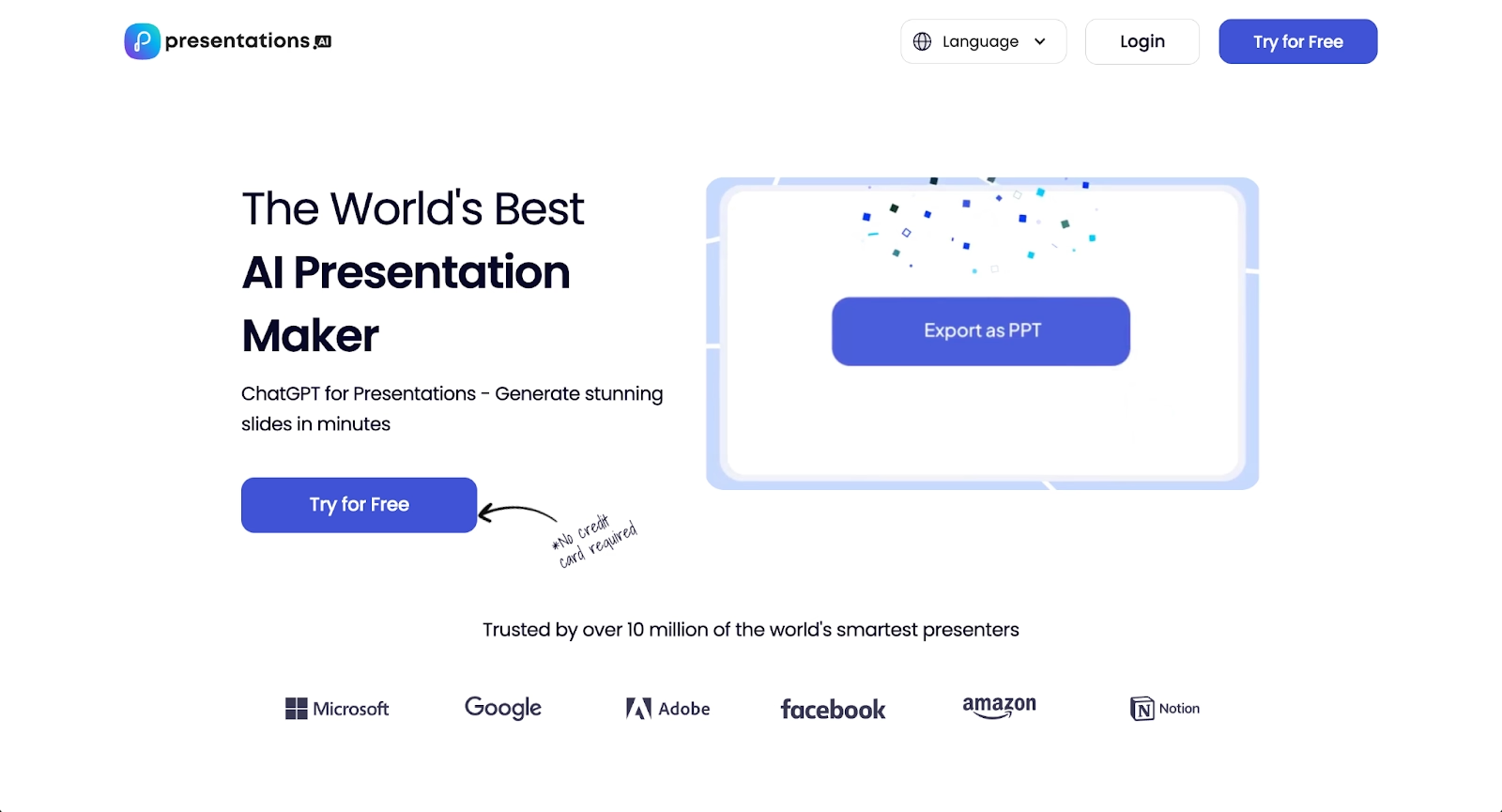
Presentations.ai is an AI-powered platform designed for rapid presentation generation from minimal input. Users can provide a topic or outline, and the platform quickly produces structured slide decks with content, layouts, and design applied automatically.
The platform emphasizes speed and simplicity, making it appealing for teams that need quick turnaround on presentations without extensive customization requirements. Where Decksy focuses on detailed control over generated content, Presentations.ai prioritizes rapid deck creation with less user intervention. It works well for teams seeking straightforward presentations that don't require extensive branding or complex workflows.
3. Gamma
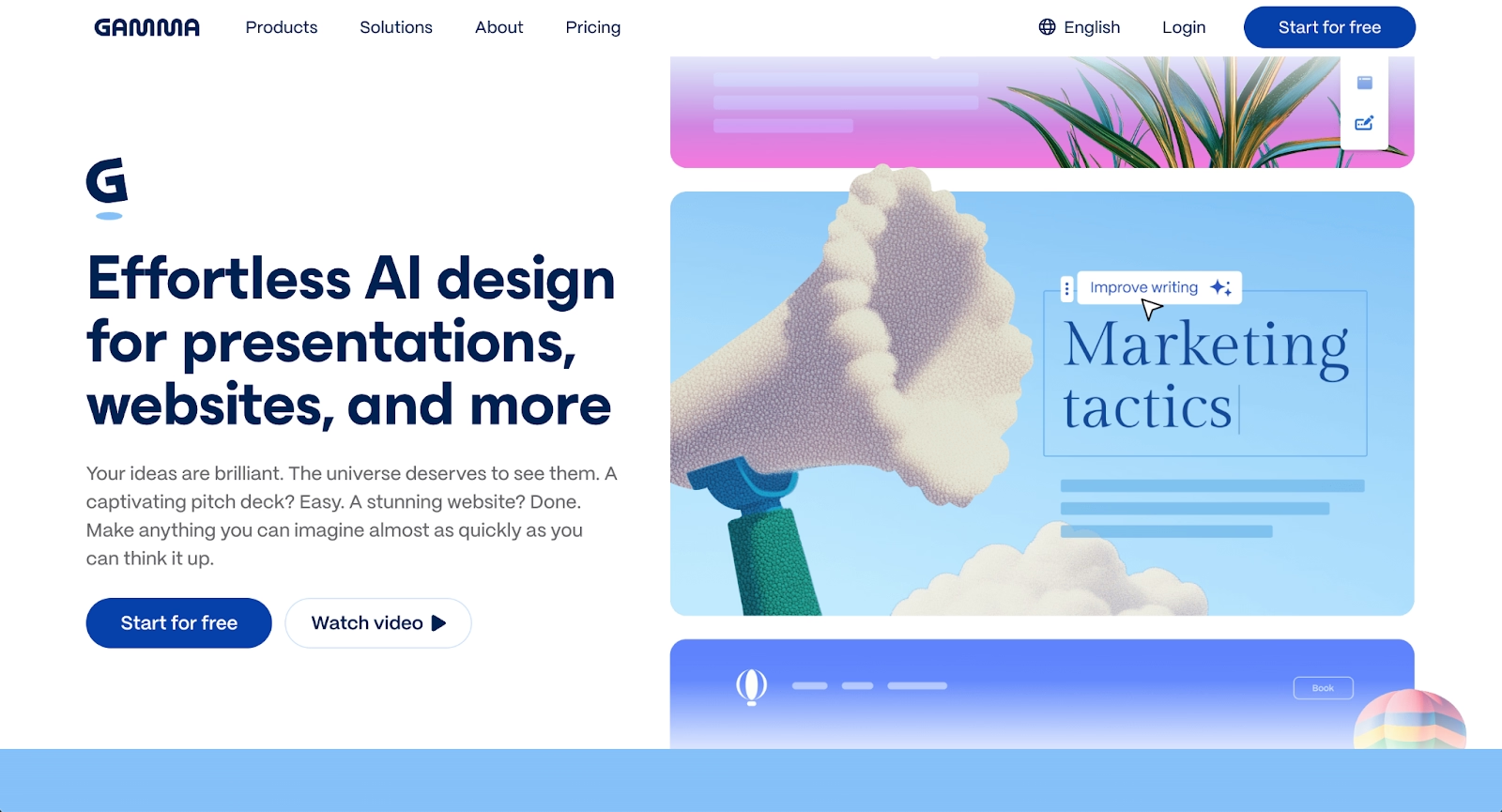
Gamma takes a card-based approach to presentations, allowing flexible content arrangement and dynamic delivery. Its AI functions help structure narratives and suggest layouts automatically, making it popular among startup teams and educators.
Where Decksy focuses on traditional slide output, Gamma emphasizes interactive, web-native presentations. The platform supports real-time collaboration and quick iteration, helping teams move from idea to finished deck rapidly.
4. PowerPoint with Copilot

Microsoft PowerPoint enhanced with Copilot combines familiar presentation software with modern AI assistance. Copilot can generate slides, automate formatting, and suggest content improvements based on your outline.
For organizations already embedded in the Microsoft ecosystem, this pairing offers deep workflow integration through API connections and plugins. PowerPoint's extensive animation tools, chart options, and PPT export capabilities make it suitable for complex enterprise presentations that Decksy may not handle as effectively.
5. Google Slides with Gemini
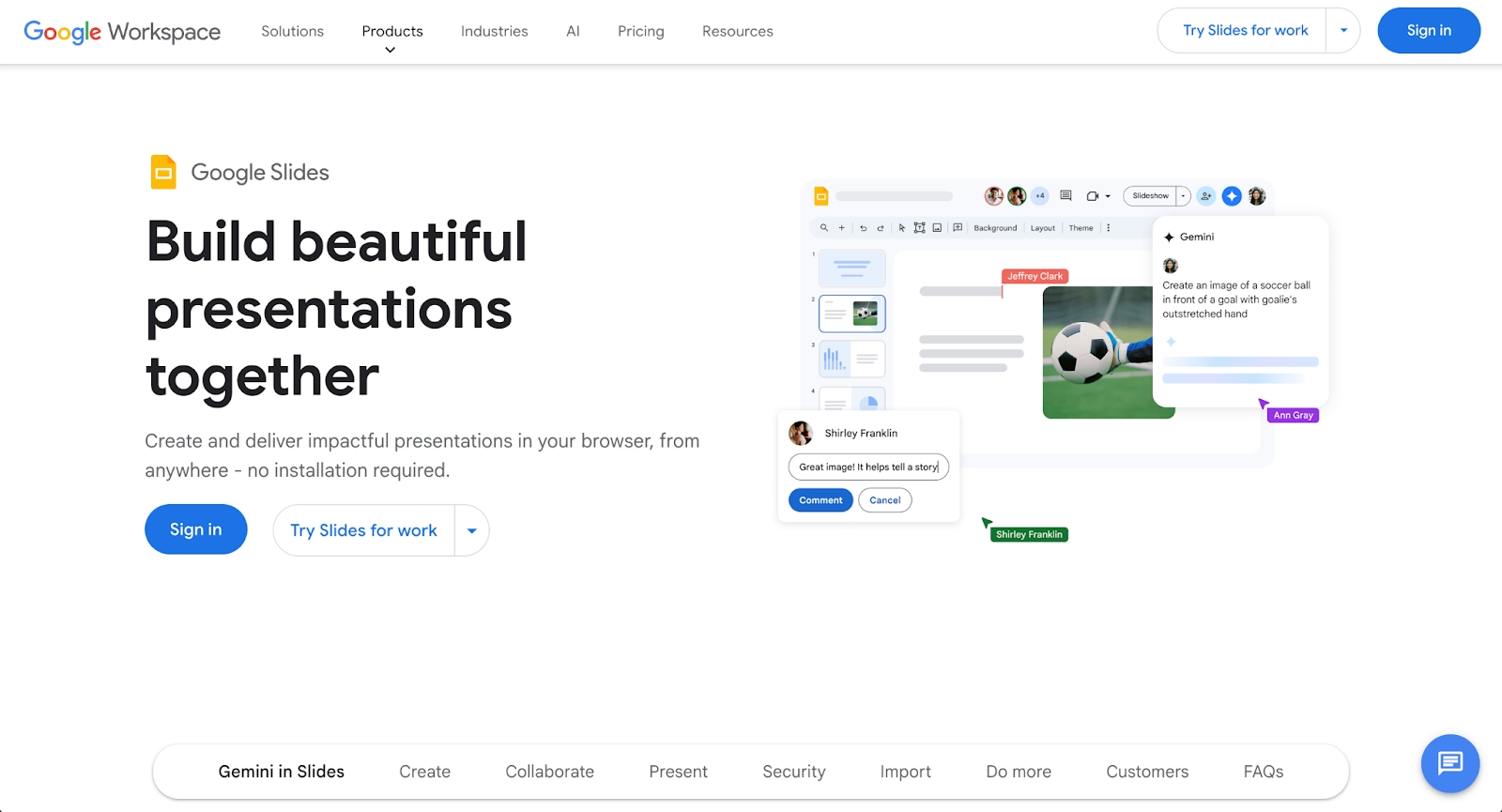
Google Slides provides cloud-based accessibility and real-time collaboration through Google Workspace. The addition of Gemini brings AI features like layout suggestions and content generation, similar to ChatGPT-style assistance.
Google Slides remains a strong option for teams seeking cost-effective solutions, as its free tier covers most basic needs. The platform integrates seamlessly with Drive, Docs, and other Google services, making it easy to embed presentations in broader workflows.
6. Pitch

Pitch is built for collaborative team workflows, offering beautifully designed templates and strong real-time editing capabilities. The platform includes integrated video meetings and data integration tools that appeal to distributed teams.
While Pitch doesn't emphasize AI writing or generation as heavily as Decksy, it excels at brand consistency and structured presentation design. Startup teams particularly appreciate its clean aesthetic and collaboration-first approach.
7. Prezi

Prezi takes a non-linear approach with its zoomable canvas, allowing presenters to create spatial storytelling that differs from traditional slides. This format works well for business presentations that rely on visual movement and conceptual flow.
Though Prezi lacks Decksy's AI generation features, it offers unique presentation delivery options. The platform supports analytics, online playback, and use cases where animations and transitions help clarify complex topics.
8. Visme
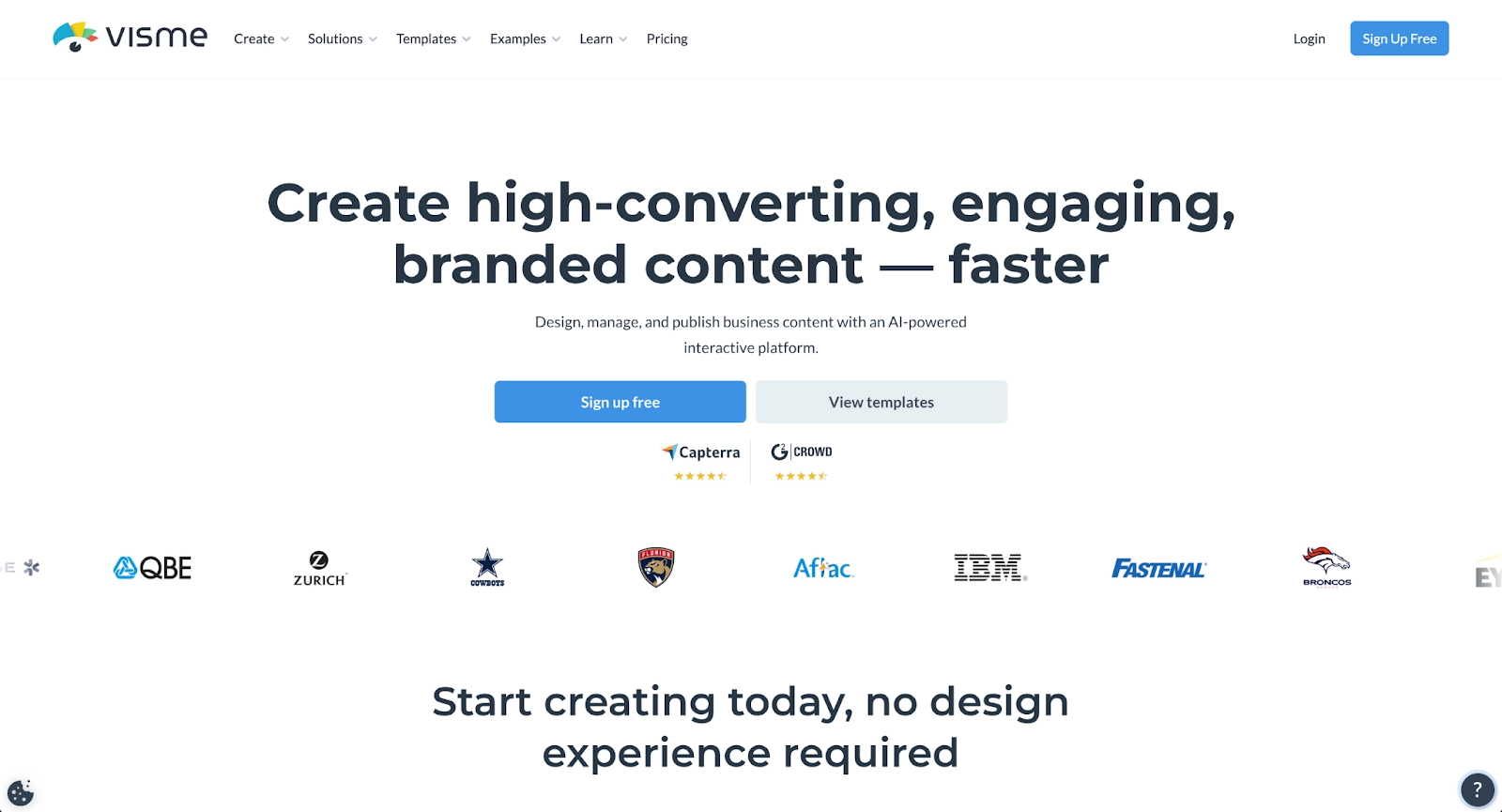
Visme is a versatile platform supporting presentations, infographics, documents, and videos. Its template library and design tools help teams produce polished content quickly.
Visme provides data visualization capabilities that go beyond basic slide creation. Teams can integrate third-party apps through plugins, track engagement metrics, and maintain consistent branding across all visual content. The platform suits organizations that need flexibility across content types.
9. Slidebean
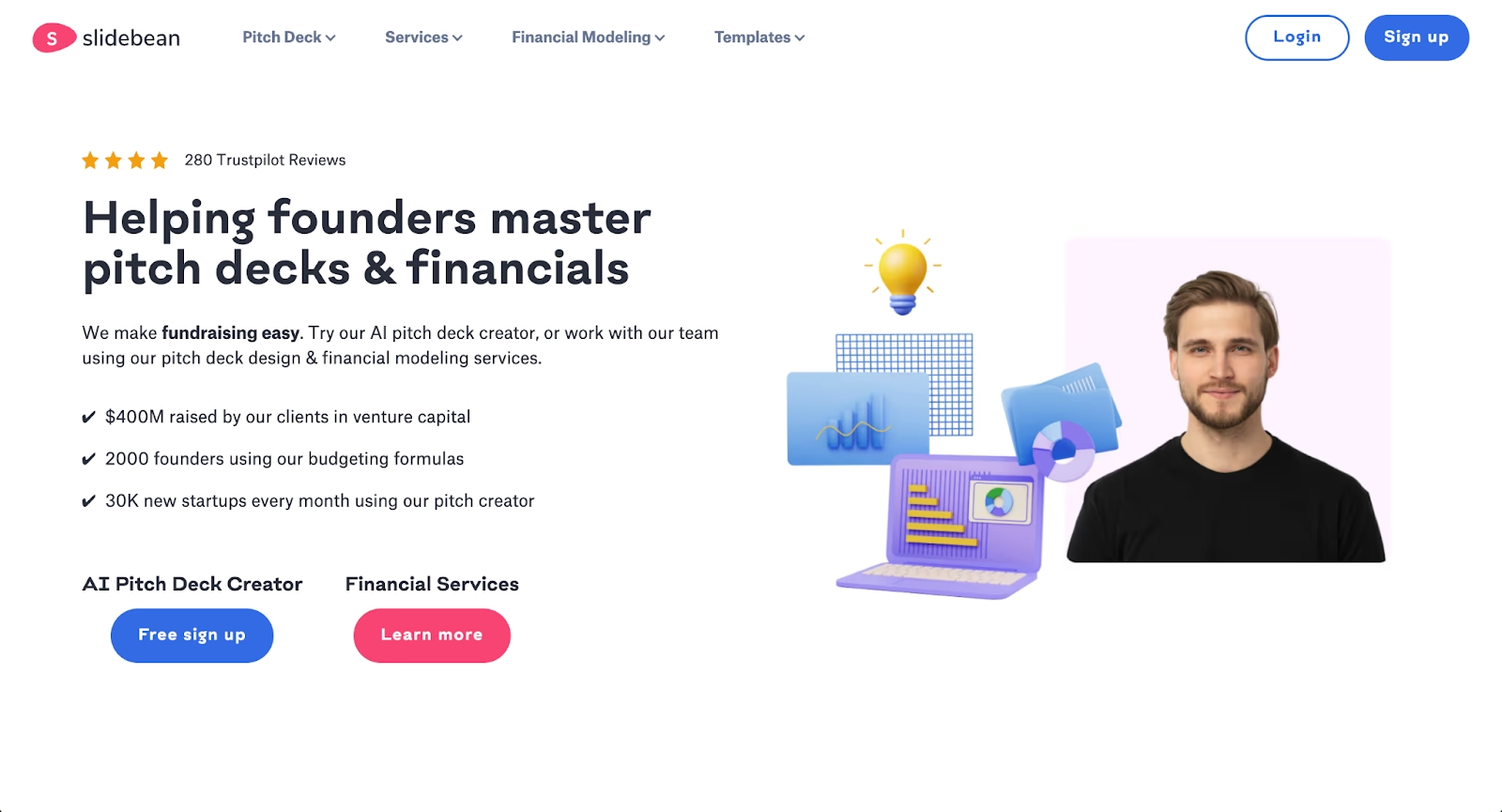
Slidebean focuses on AI-powered automation specifically for startup pitch decks. Teams enter content, and Slidebean structures slides using clean layouts and consistent branding automatically.
The platform appeals to founders and small teams who need to optimize presentation creation speed. While it offers less granular control than PowerPoint, Slidebean excels at helping startups produce professional decks with minimal editing.
Key comparison criteria
Evaluating Decksy alternatives means balancing several factors that affect daily workflow and output quality. Different platforms prioritize different functions. Some emphasize AI-driven automation, others focus on design control or real-time collaboration capabilities.
Understanding how each tool handles key features like formatting, export options, and integration functions helps teams identify which platform aligns with their specific use cases and operational priorities.
AI features
AI capabilities range from basic content suggestions to full presentation generation. Platforms like Beautiful.ai and Slidebean automate layout and design, while PowerPoint Copilot and Google Gemini assist with content creation. Consider whether you need AI tools that generate from prompts or those that optimize existing content.
Ease of use
Interface clarity and onboarding experience vary significantly. Canva and Google Slides offer intuitive drag-and-drop editing, while PowerPoint provides deeper customization at the cost of complexity. Teams new to presentation software may prefer platforms with gentler learning curves.
Design quality and templates
Template variety and quality affect final presentation polish. Beautiful.ai enforces consistent formatting automatically, while templates work best when grounded in solid design principles. Evaluate whether you need strict brand enforcement or flexible design options.
Collaboration
Real-time collaboration, commenting, and version history matter for team workflows. Google Slides, Pitch, and Beautiful.ai excel at collaborative presentations, while desktop-focused tools may require workarounds for distributed teams.
Export and integrations
Consider export formats (PDF, PPT, web) and integration with existing tools. Some platforms offer api access for custom workflows, while others connect through plugins with services like Salesforce or GitHub. The ability to embed presentations in websites or docs affects distribution flexibility.
Pricing
Pricing structures range from free tiers to enterprise subscriptions. Decksy's $9.99/month plan competes with Canva Pro and Beautiful.ai's team pricing. Evaluate whether free plan limitations affect your workflow before committing to paid options.
Quick comparison snapshots
These head-to-head summaries highlight practical differences between popular Decksy alternatives. Whether you're choosing based on how each tool streamlines your workflow, the functions it provides, or its approach to automating design and formatting, here’s how the top tools compare in real-world scenarios.
Beautiful.ai vs Decksy
Beautiful.ai enforces design rules automatically, ensuring every slide meets professional standards without manual adjustment. Decksy generates presentations from prompts but gives users more responsibility for final formatting. Beautiful.ai suits teams prioritizing consistent, polished output; Decksy works well for rapid first drafts that need refinement.
Presentations.ai vs Decksy
Presentations.ai prioritizes extremely fast draft generation with minimal input, while Decksy offers more control over the generation process through detailed prompts and outlines. Presentations.ai suits teams that need quick decks with automatic structure, whereas Decksy works better for teams wanting more influence over the final output and design decisions.
PowerPoint with Copilot vs Decksy
PowerPoint provides extensive customization, animations, and enterprise integration through the Microsoft ecosystem. Decksy offers faster initial generation but less depth for complex presentations. Organizations with existing Microsoft investments may find Copilot-enhanced PowerPoint a better long-term workflow fit.
Conclusion
The best Decksy alternative depends on your team's specific priorities. If automated design consistency matters most, Beautiful.ai delivers professional results with minimal effort. Teams seeking versatility may prefer Canva, while those embedded in Microsoft or Google ecosystems should evaluate PowerPoint with Copilot or Google Slides with Gemini.
Consider your workflow requirements, collaboration needs, and budget when making a decision. Effective presentation structure combined with the right tool creates powerful communication. Your presentation platform plays a critical role in how your ideas land with your audience. The right presentation tool should support your content creation process without creating friction, whether you're building startup pitch decks or enterprise reports.
Why customers are switching to Beautiful.ai
Beautiful.ai is an AI-powered presentation platform that helps teams create polished, on-brand slides in a fraction of the time, without design skills or manual formatting.
- Design automation built in. Whether you're building pitch decks, reports, or internal presentations, Beautiful.ai’s Smart Slides automatically format content so you never worry about spacing, alignment, or layout again. Add your content, and the design adjusts instantly.
- ️No design experience required. Create professional decks without touching text boxes or manually arranging elements. Choose from Smart Templates and let the AI handle layout decisions, visual hierarchy, and consistency across the entire deck.
- Branding? Already handled. Keep every slide on-brand with your fonts, colors, and logos applied automatically. Beautiful.ai ensures every team member creates presentations that look like they came from a dedicated design team—without extra work.
- Real-time collaboration & team controls. Collaborate directly on the same deck, leave comments, manage permissions, and maintain consistency across team presentations. Perfect for growing teams and cross-functional workflows.
- Faster workflows, fewer revisions. Jump from rough outline to polished presentation in minutes, not hours. Beautiful.ai reduces back-and-forth edits by enforcing on-brand design rules and helping you iterate faster with AI-assisted slide creation.
