.gif)
.gif)

High-performing teams know one truth: time is money. And as such, speed of execution matters.
Whether you’re building a pitch deck, a campaign plan, a sales update, or a quarterly review, the ability to turn ideas into polished presentations quickly is a competitive advantage. The faster you communicate clearly, the faster decisions get made.
And yet, most teams still spend hours wrestling with slides—formatting text boxes, aligning charts, rewriting content, and hunting down brand assets.
In 2026, the best teams work differently.
They’ve adopted a 10-minute presentation workflow that eliminates busywork, improves clarity, and frees up hours of productivity by combining AI, smart templates, and modern presentation tools.
Here’s exactly how high-performing teams build professional, on-brand decks in just 10 minutes.
Minute 1–2: Use AI to generate an outline
Before designing slides, top teams lock in their story.
Rather than staring at a blank outline, they use AI to instantly create structure. A few prompts are all it takes:
- “Create a 10-slide outline for a product launch plan.”
- “Summarize this document into an executive-ready presentation.”
- “Turn these notes into a structured deck.”
With Beautiful.ai’s AI assistant, teams can take their outline and transform it into a deck in seconds. What used to take an hour of organizing and rewriting now happens instantly.
Why this works: Clear structure leads to faster execution and stronger storytelling. When the narrative is set early, everything else moves faster.
Minute 3–4: Start with a template, not a blank slide
Blank slides are productivity killers.
They force you to make dozens of decisions before you’ve even started telling your story: layout, structure, slide types, spacing, flow. High-performing teams skip all of that.
Instead, they start with a template designed for their use case, such as:
- Marketing reports
- Quarterly reviews
- Project kickoffs
- Sales updates
- Strategy briefs
- Pitch decks
Starting from a template instantly removes up to 70% of the decisions involved in building a deck. If you don’t see what you’re looking for in our presentation template library, you can generate your own with AI using your outline as the prompt. This gives you the blueprint you need to get your ideas down on a slide as efficiently as possible.
Pro tip: Beautiful.ai’s Smart Slide layouts automatically adapt as you add and edit content, so you never have to manually adjust spacing, alignment, or font sizes. The slide design stays clean by default as you customize the presentation template to make it your own.
Minute 5–6: Add your core messages and data
Once the framework is in place, it’s time to add substance.
Drop in the essentials:
- Key points
- Metrics and KPIs
- Charts and visuals
- Quotes or insights
At this stage, high-performing teams don’t worry about formatting at all. They focus only on what matters: the message.
Smart Slides handle the design automatically—styling content, spacing elements, and keeping everything visually balanced.
Speed trick: Paste in raw numbers and let Smart Slide charts instantly generate clean, on-brand graphs. No resizing, no color tweaking, no manual cleanup.
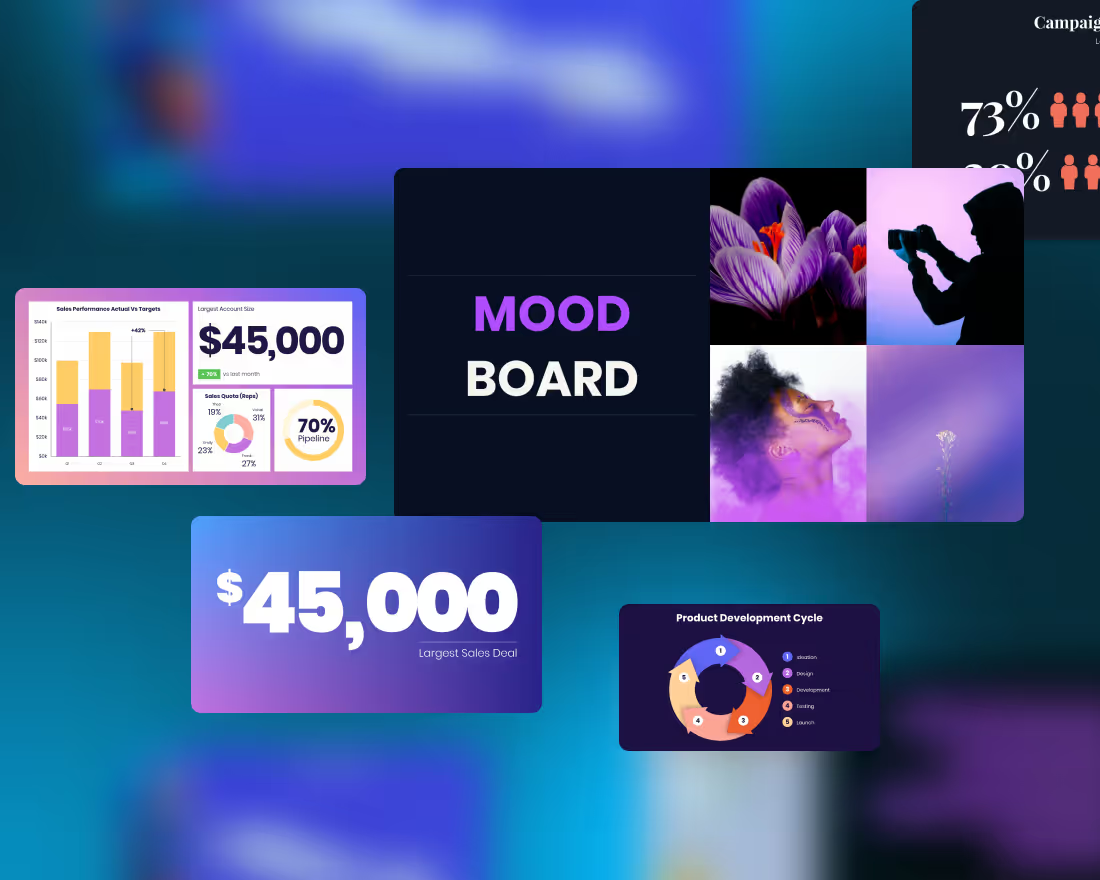
Minute 7–8: Replace text blocks with visuals
Great presentations don’t rely on long paragraphs.
High-performing teams know that visuals communicate faster and more clearly than walls of text. Whenever possible, they translate information into visual formats:
- Text → diagrams
- Lists → icons
- Dates → timelines
- Comparisons → tables
- Processes → flow charts
This approach reduces cognitive load and helps audiences grasp ideas at a glance—especially in executive settings where attention is limited.
Visual storytelling isn’t about decoration. It’s about clarity.
If you’re feeling stuck, Beautiful.ai can help recommend layouts and slides best suited for your content.
Minute 9: Optimize for executive attention
Even strong slides benefit from a quick refinement pass.
Top teams review their decks with a simple checklist:
- Does each slide communicate one clear idea?
- Is the headline a statement, not a label?
- Can someone understand the slide in five seconds?
- Is anything redundant or unnecessary?
Executives and stakeholders value brevity. Cutting excess content sharpens the message and makes the presentation easier to follow. If a slide doesn’t move the story forward, it doesn’t make the cut.
Minute 10: Apply Branding and Final Polish
This final step is what turns a draft into an executive-ready presentation.
Instead of manually adjusting styles, high-performing teams rely on built-in brand controls:
- Brand colors
- Approved fonts
- Logo placement
- Locked styles
- Shared slide libraries
In Beautiful.ai, brand controls can be applied in seconds at the start of your design process—ensuring every deck looks polished and consistent, no matter who created it. So instead of fidgeting with brand colors, you can spend the last few minutes focusing on finishing touches, last minute edits, and speaker notes.
The result? One voice, one visual identity, across the entire organization.
Why the 10-minute presentation workflow works
1. It reduces decision fatigue
Templates and AI eliminate most manual formatting and structuring decisions.
2. It promotes clarity and consistency
Decks look unified and professional—even when multiple contributors are involved.
3. It accelerates iteration
Fast drafts lead to faster feedback, better collaboration, and stronger final results.
4. It frees teams to focus on strategy, not slides
High-performing teams spend time thinking and deciding—not nudging text boxes.
Transform your workflow with smarter presentations
The era of spending hours formatting slides is over.
With AI-powered presentation tools, Smart Slide layouts and templates, and built-in brand controls, teams can go from idea to polished deck in minutes—not hours. High-performing teams aren’t working harder, they’re leveraging smarter tools to work better.




.avif)

.gif)