


The Beautiful.ai x Claude Connector is now live
Beautiful.ai is now a Verified Claude Connector. Users can generate an on-brand, presentation-ready deck directly from a Claude conversation, and then keep refining it in Beautiful.ai.
AI already handles the research, the analysis, and the first draft of your thinking. The portion that still eats an afternoon of work is turning those pieces into a deck you'd actually put in front of a client, an exec, or a board. This connector bridges both tools to streamline your deck creation workflow.
Time saved with AI is lost in slide cleanup
AI might be able to write you a smart, well-argued narrative in seconds. But it’s far worse at turning that narrative into slides anyone would want to present. The output tends to be generic, off-brand, and one export away from another round of manual reformatting. All of this is the same cleanup work you were trying to avoid in the first place.
The gap between "AI helped me draft this" and "I'd actually present this" is where most teams lose the time savings AI is supposed to give them. It's a last-mile problem. And it's exactly what this connector was built to solve.
Get started with a prompt or an outline
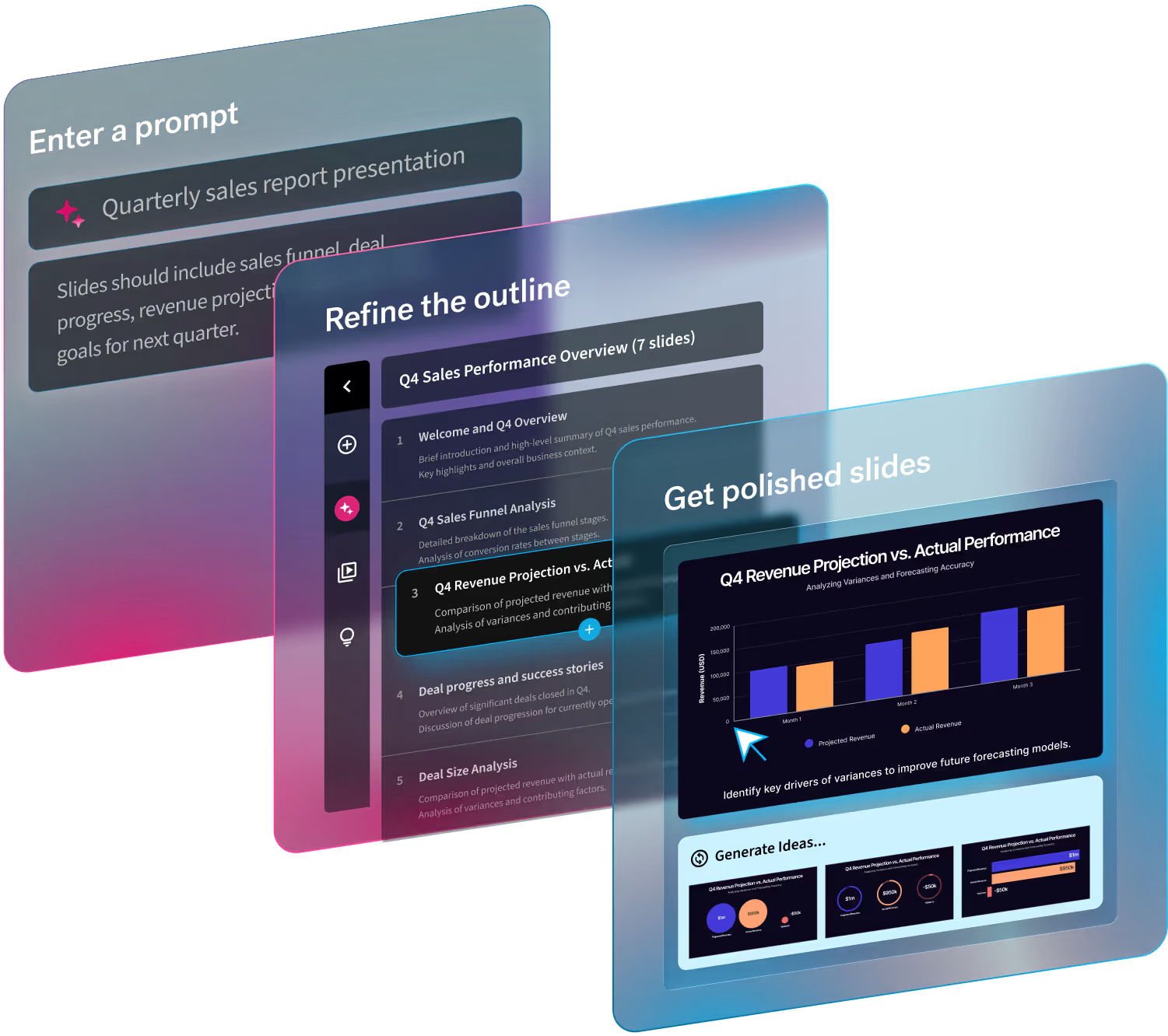
Once connected, you’ll have two ways to generate a deck without leaving Claude:
- Describe it in plain language. Tell Claude what the deck needs to say, and it generates a full presentation from that prompt.
- Hand it a structured outline. For formats you build repeatedly, like QBRs, weekly updates, board decks, an outline gives you the same on-brand result every time.
Both paths run on Smart Slides and apply your team's Brand Kit automatically, so layouts hold together even as the content underneath changes.
Stay on-brand by default
While Claude decides what the deck says, Beautiful.ai takes charge of how it looks. Your Brand Kir, colors, and layout rules apply the moment the deck is generated. You don’t have to worry about handing off fixes to the team’s unofficially designated deck designer. Now, anyone can generate a deck, and it'll still look like it came from your team, not just a prompt.
Say goodbye to constant, manual deck creation
Get started with some of the workflows teams are already having rebuilding by hand, every cycle:
QBRs, without the quarterly rebuild
Draft the narrative from your account data, generate it on-brand, and walk in with something an exec sponsor can read in three minutes.
Board updates that don't look AI-generated
Boards can spot templated or generated slides instantly. Shape the argument in Claude, and let Beautiful.ai make it look like it came from your team, not a prompt box.
The deck you already built in Claude, finished
If you've already had the conversation that outlines your presentation, generate it directly instead of copying it into slides by hand.
Personalized decks in your workspace, with no extra steps
Decks generated through the connector don't land (or disappear into) in some separate export folder. They arrive as real Beautiful.ai presentations, in the right folder, under the right team, with your existing Brand Kit and sharing controls already applied. Start from templates you've already built, pull in and summarize past decks, and export to PDF or PPTX whenever you need to.
No new tool to learn. No new place to manage files. Just time saved from having to move content between systems.
Get started in under a minute
To get set up in Claude, go to Customize → Connectors → Beautiful.ai → Connect.
Already a Beautiful.ai customer? Talk to your CSM today about rolling this out across your team.

.avif)


.avif)