
The AI presentation maker that puts you in the driver's seat
Beautiful.ai is more than an AI presentation maker: get unlimited AI creation, real-time collaboration, brand controls, and analytics in one platform.

The AI presentation maker trusted by teams that need presentations they can actually use
Meet the AI presentation generator that gets you to work-ready, faster
Move from prompt to polished deck in natural stages. Refine the story before design. Iterate on slide layouts at superspeed.
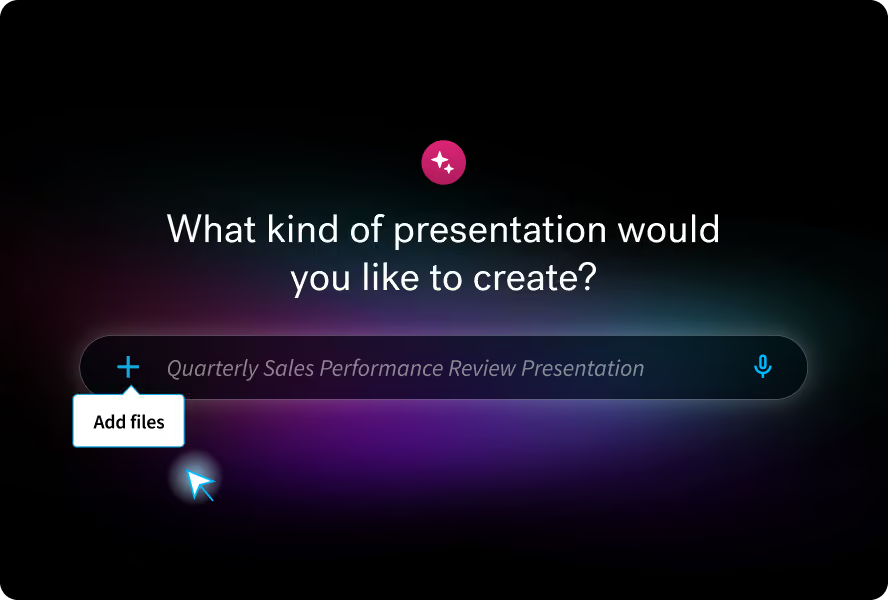
Start with any input
Prompt a topic, paste a full outline, or add source material for richer context.
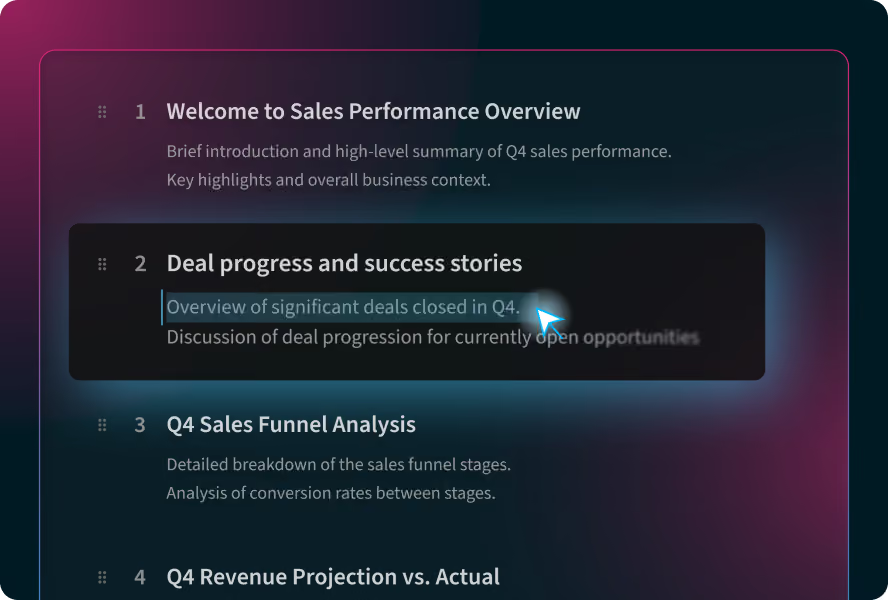
Shape the story before design
Review and refine a slide-by-slide outline so the narrative is right before you generate slides.
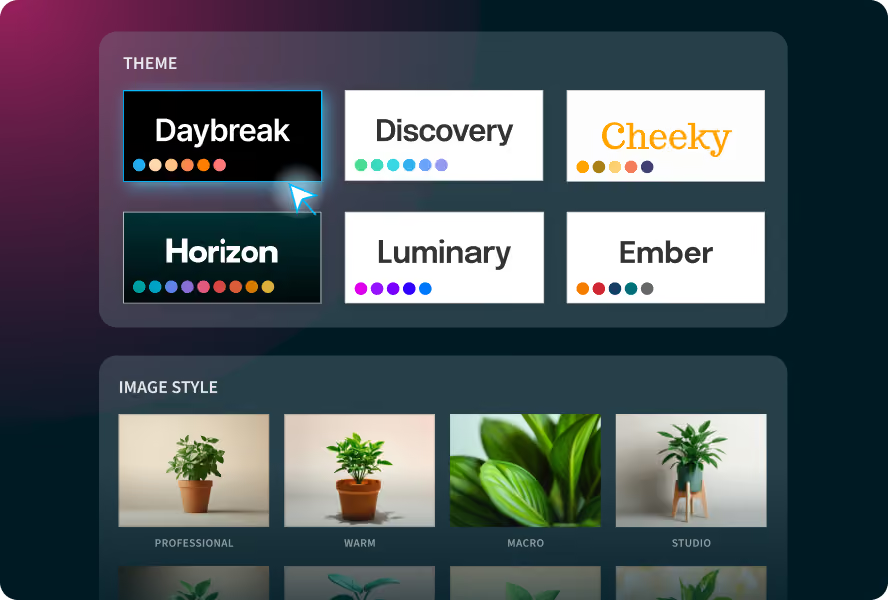
Set the brand and styling
Choose a Theme, the image source, or define a consistent AI image style for the deck.
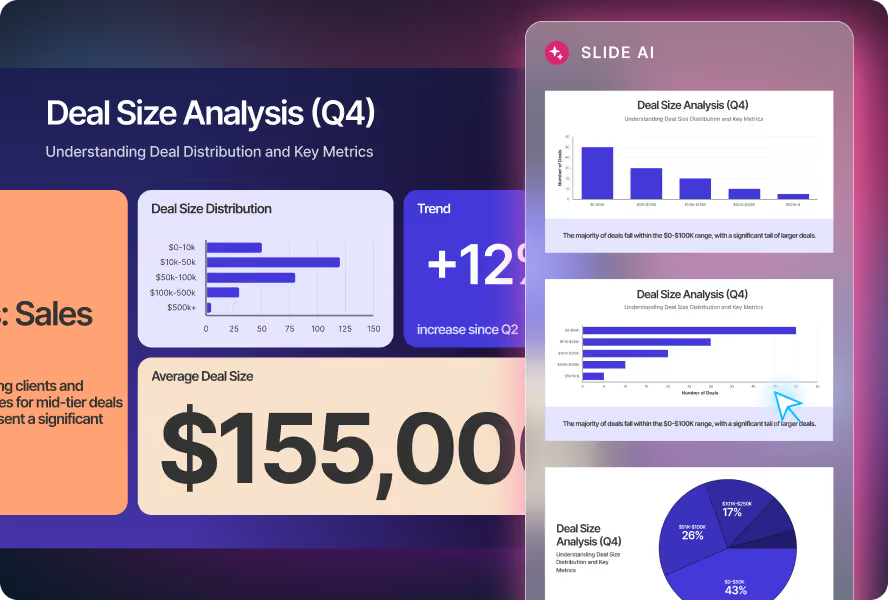
Iterate without rebuilding
Explore multiple Smart Slide layouts, all while preserving your exact copy & numbers.
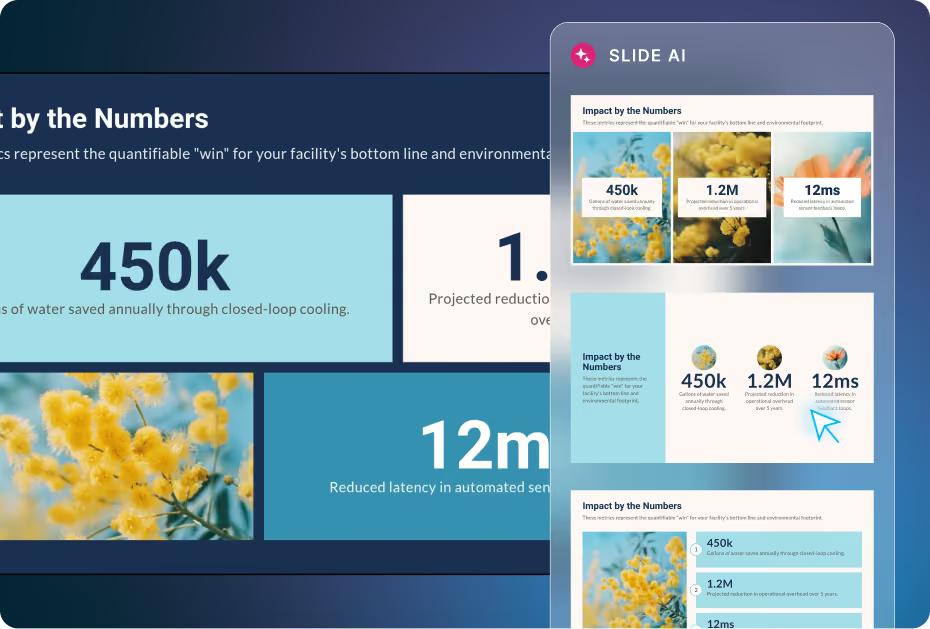
Iterate on slide layouts with your content intact
See multiple ways to showcase your copy and data, preview high fidelity slide layout ideas, and simply click to try different layouts in your presentation.


Set the look up front, so every slide starts on-brand
Choose your theme, image source, language, and AI image style before you generate. Create with AI helps you set the rules from the start, so your presentation stays cohesive, polished, and true to your brand.
Custom AI image style
Set a consistent AI image style for your deck before you generate, or define your own prompt and preview the look in advance.
Edit and regenerate AI images instantly
Refine any slide without starting over. Re-prompt and regenerate images in seconds, explore new visual directions, or update content.
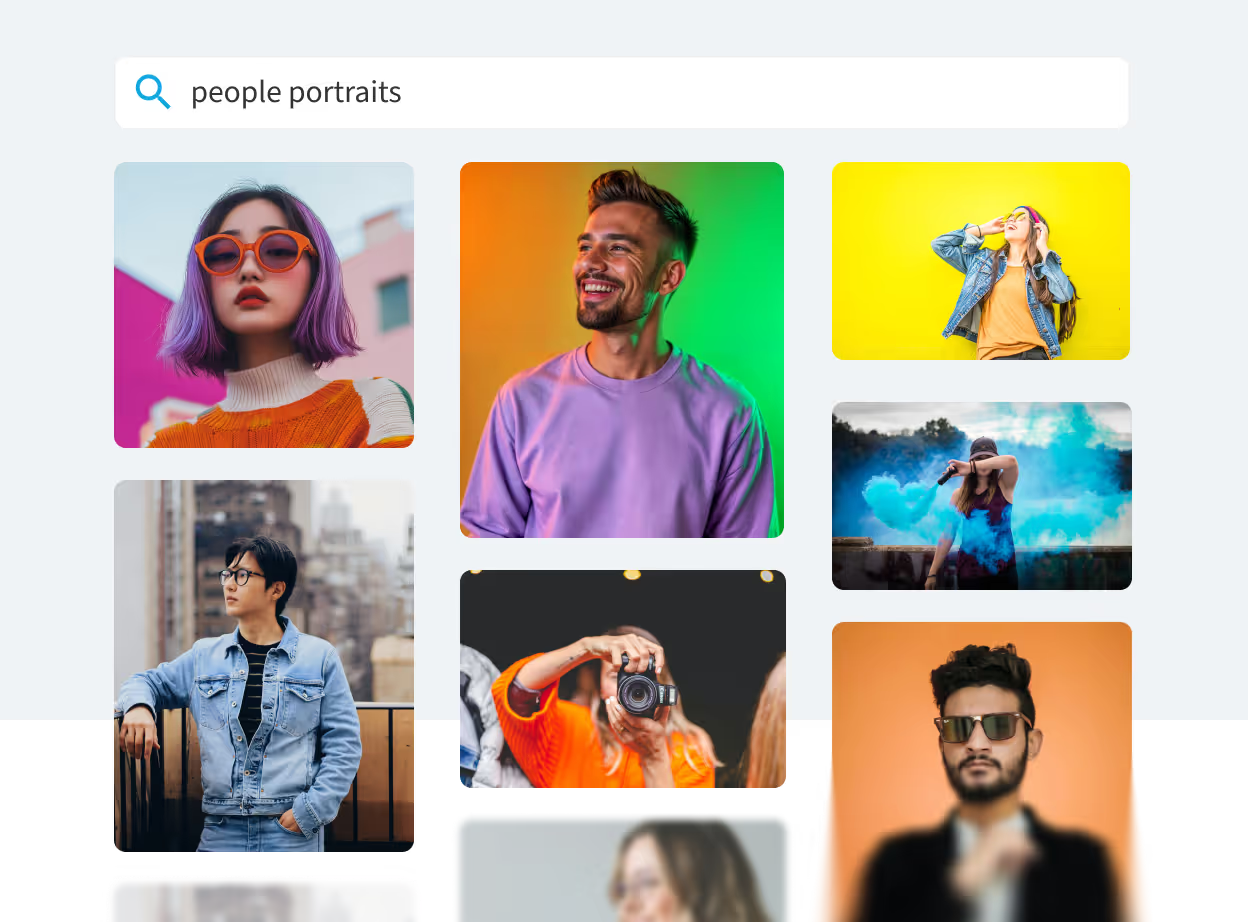
Prefer real-life visuals? We’ve got you.
Access millions of free stock images, videos, and icons. Everything is within the Beautiful.ai platform, so you never have to break your flow.
Themes lock in brand alignment
Set your colors, fonts, logos, and brand rules once, then apply them across decks with ease. Themes work seamlessly with the Create with AI workflow.

“The ability to lock in brand elements like logos and colors was a huge draw. We needed to guarantee consistency across teams, and Beautiful.ai made that easy.”

Director of Marketing, Economic Development Winnipeg
“I've evolved my business to the point where everyone knows— my colleagues and my clients— to expect very on-brand, polished looking presentations, and sometimes they'll even say, ‘oh, she's doing it in Beautiful.ai.'"

Founder, Latshaw Marketing
It makes every presentation look like a professional brand expert put it together.

CEO, Certified Lease & Finance Professional Foundation
Discover AI that fits every step of your presentation workflow
Whether you need a full AI presentation maker or a targeted AI PPT maker for a single slide, Beautiful.ai brings the right AI to every stage of the process, so you can move faster and stay in control.
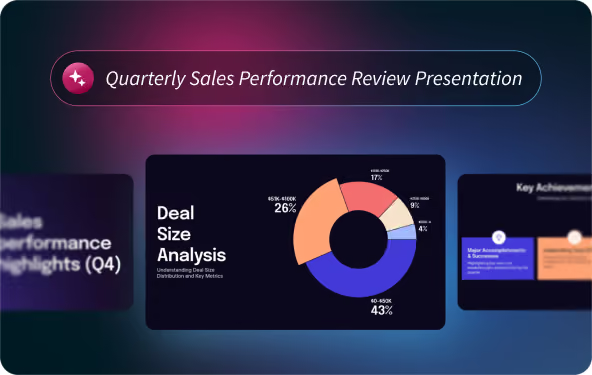
Create a new deck
Create with AI helps you turn early ideas into a multi-slide presentation you can refine and iterate on quickly.
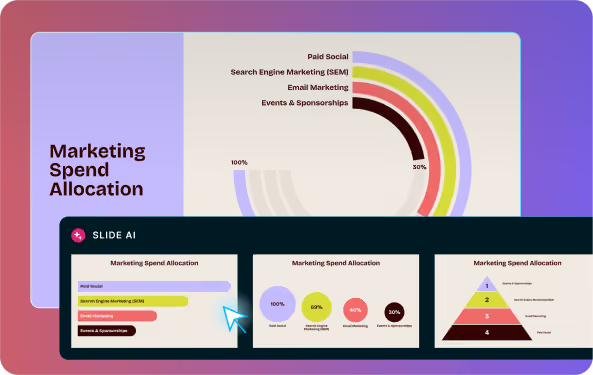
Iterate slide-by-slide
Preview and explore different layout ideas while keeping your copy or data intact, one slide at a time.
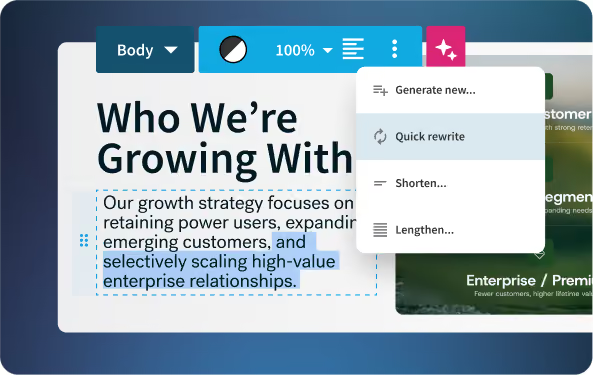
Fast slide-level edits
Rewrite, expand, or shorten copy within any text box. Regenerate or swap images at super speed.
Create decks faster with Beautiful.ai's AI Presentation Maker
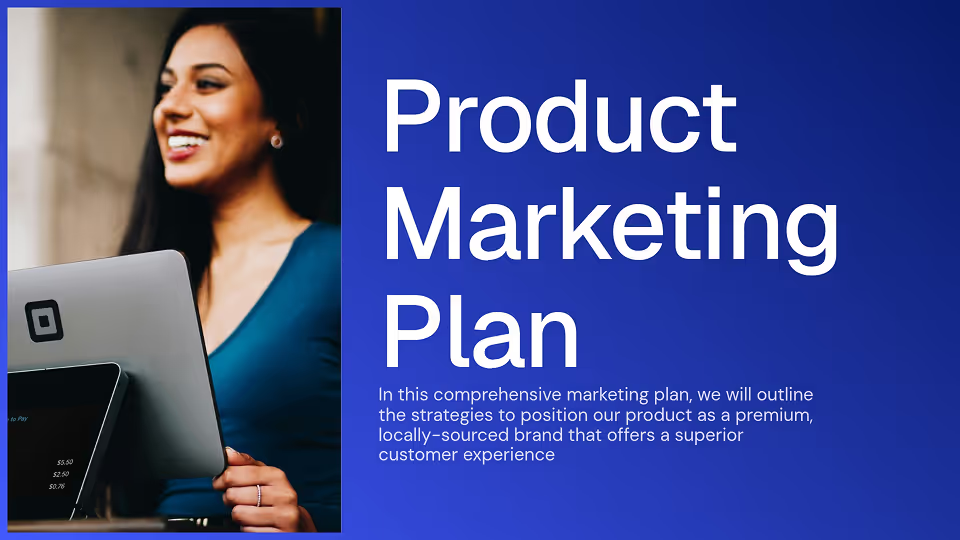
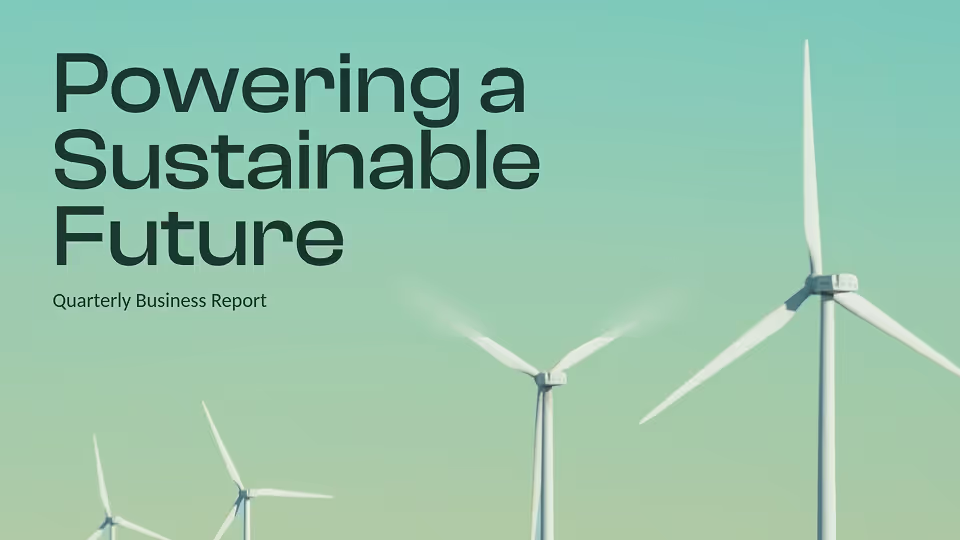
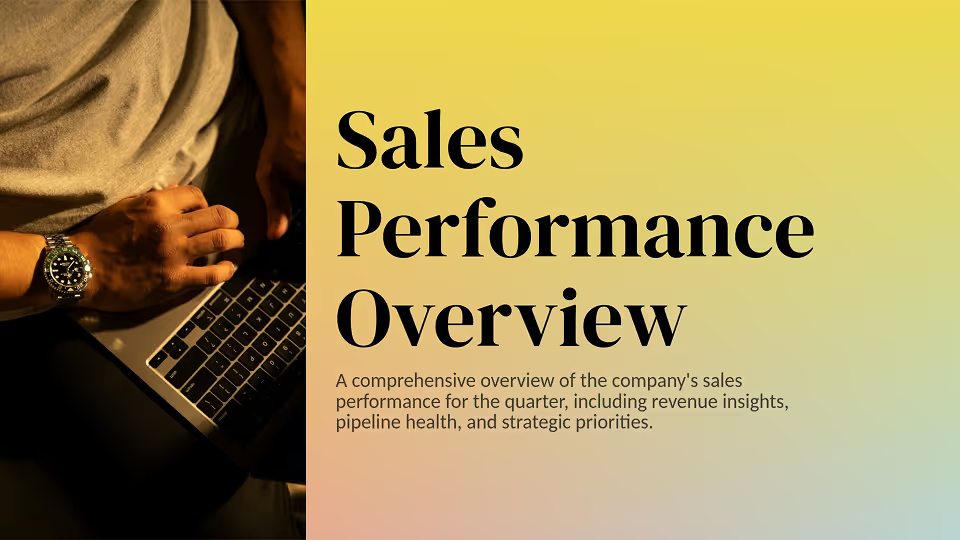
Start from a prompt, paste your content, add a URL, or upload a file. Beautiful.ai translates your ideas into stunning, cohesive, and ready-to-edit presentations.


We believe in human creativity,
accelerated by AI
Discover the AI presentation maker built for how professionals actually work: uninterrupted AI creation, not one-shot generation capped by credit limits. Every AI-generated PowerPoint or deck you build comes with real-time collaboration, brand controls, and analytics, so your work doesn't stop at the slide.

Discover a faster way to create stunning presentations with AI
The AI presentation maker that works smart, works simple, works beautiful.
Frequently asked questions
Create with AI is Beautiful.ai's guided AI presentation workflow. It helps you move from an initial prompt or source material to a polished presentation in stages, so you can shape the story, refine the structure, and iterate on slides with more control.
The best AI presentation maker depends on your workflow. Beautiful.ai stands out for teams and professionals who want a guided creation process rather than a one-shot generator. With Create with AI, you shape the outline before the design begins, which means fewer surprises and less rework. If design consistency and brand control matter to your organization, Beautiful.ai's themes and Smart Slides keep every deck on-brand without manual effort.
ChatGPT can write presentation outlines and slide copy, but it cannot produce a designed, visual deck on its own. To go from ChatGPT output to a finished presentation, you would paste the content into a design tool. Beautiful.ai handles the full workflow: you can paste an outline from ChatGPT, and Create with AI structures, designs, and formats it inside one platform, with no copy-paste cleanup required.
When choosing an AI presentation maker, consider four things: workflow fit (does it support your creation process, or just generate a one-shot draft?), design quality (does the output look professional without manual cleanup?), brand control (can you lock in colors, fonts, and logos?), and export options (does it work as an AI PPT maker that exports to PowerPoint?). Beautiful.ai is built for organizations where presentation quality and brand consistency matter, not just speed.
Click Create Presentation in Beautiful.ai, then choose Create with AI. You can start with whatever you already have, including a short prompt, a detailed brief, a pasted outline, or notes and source material for added context.
Yes. AI presentation makers like Beautiful.ai let you generate a full deck from a text prompt, document, or outline. The AI structures your content into slides, applies layouts, and handles design, so you start with a polished draft rather than a blank canvas. Beautiful.ai's AI presentation generator adds a review step between the outline and the final design, so the result reflects your actual content and goals.
Beautiful.ai offers a free trial so you can explore the AI presentation maker before committing to a plan. Paid plans are available for individuals, teams, and enterprise organizations, each with access to the full Create with AI workflow, Smart Slides, brand controls, and more.
Yes. Every deck created in Beautiful.ai can be exported as a PowerPoint file, so you can use it as your AI PPT maker or AI PowerPoint generator and still deliver presentations in the format your clients or colleagues expect. Slides are fully editable after export.
